Dealer-specific payment screen
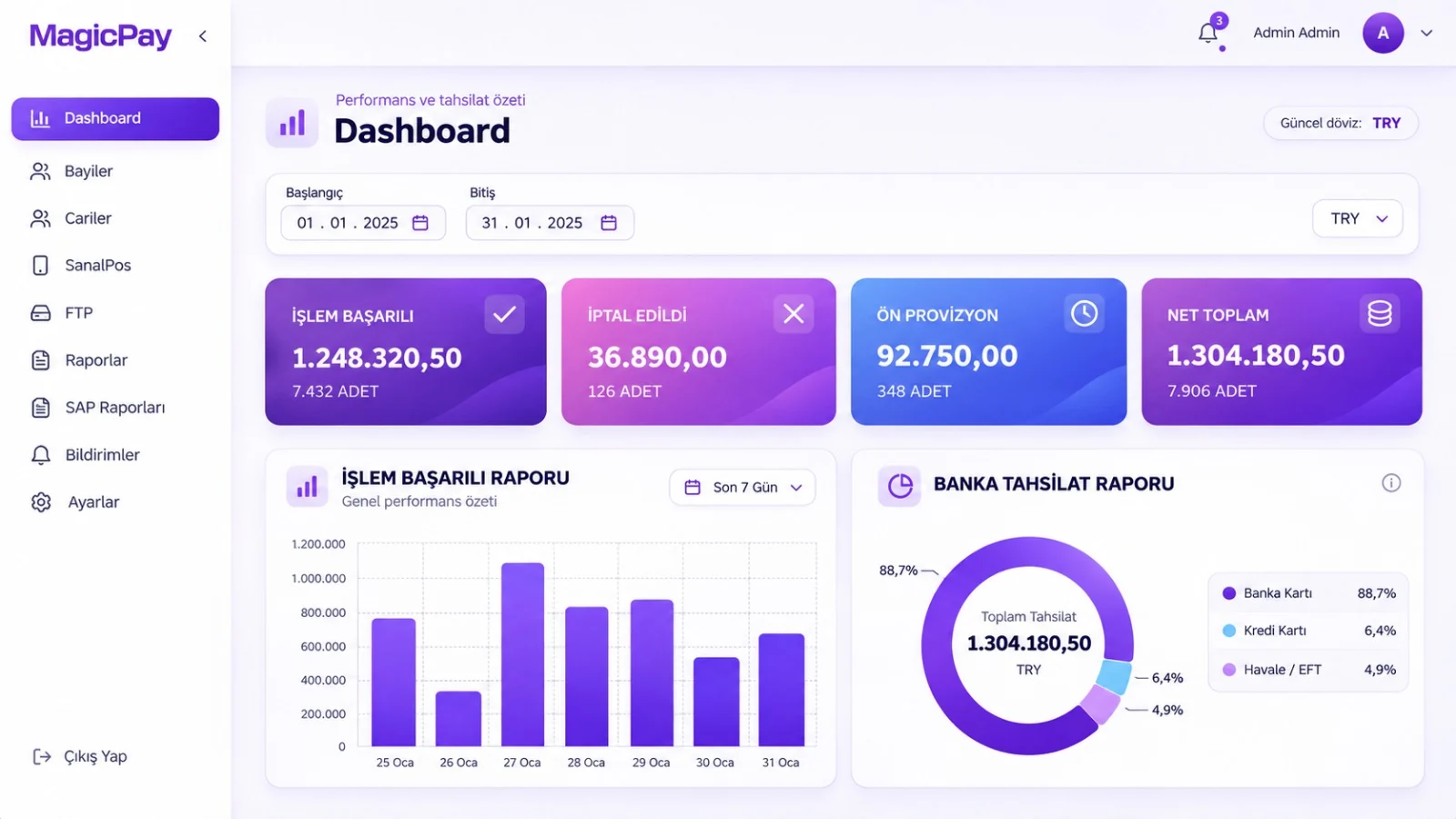
Collect payments for the right dealer through the portal, a link or a field sales channel.
Accept dealer card payments with MagicPay. Manage the dealer portal, invoice payments and automatic trade-account/ERP matching in one place.
 Open full-size image
Collect payments for the right dealer through the portal, a link or a field sales channel.
Link each completed payment to the dealer, invoice and ERP record.
Manage installments, surcharges, limits and permissions around your dealer structure.
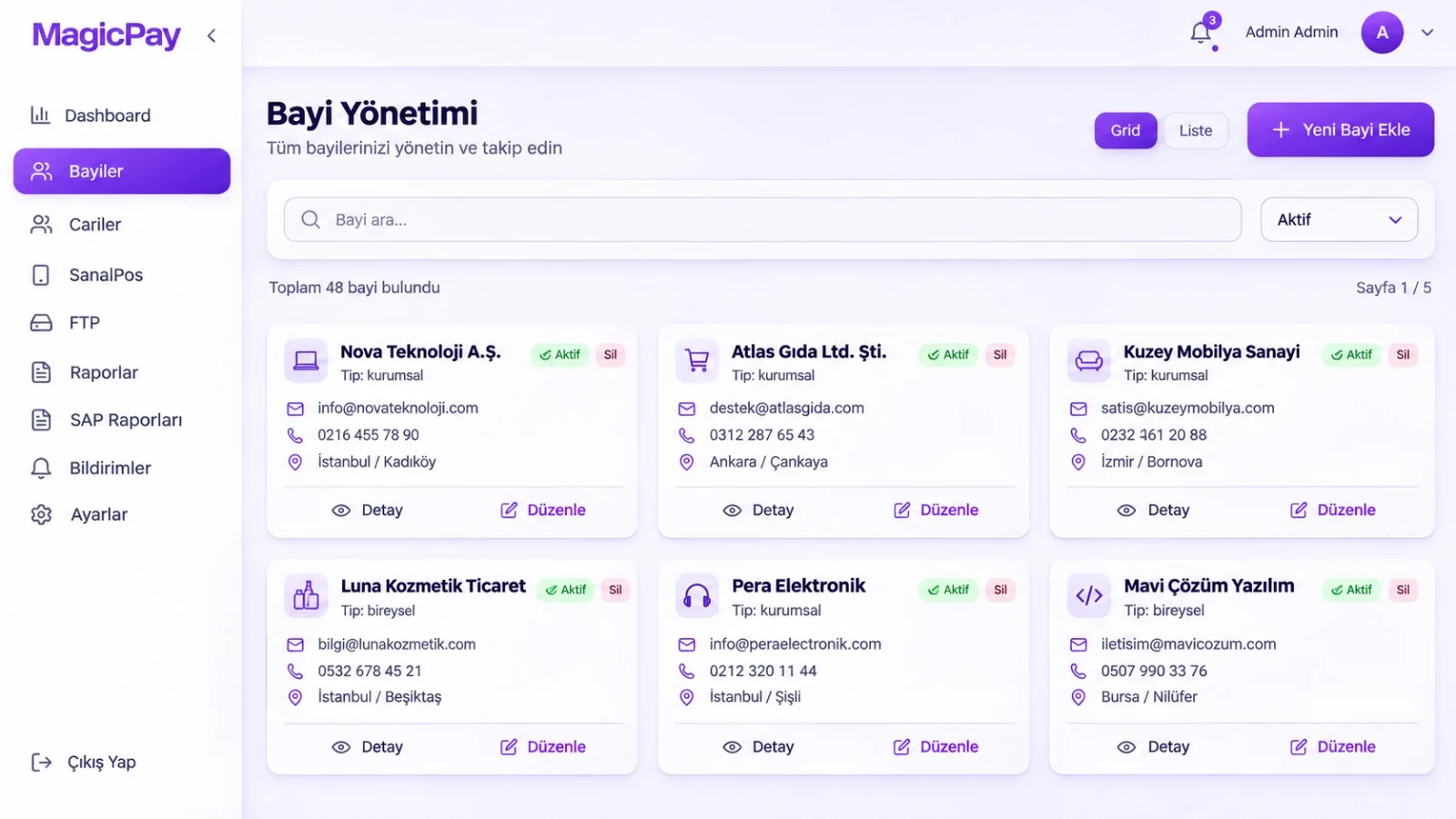
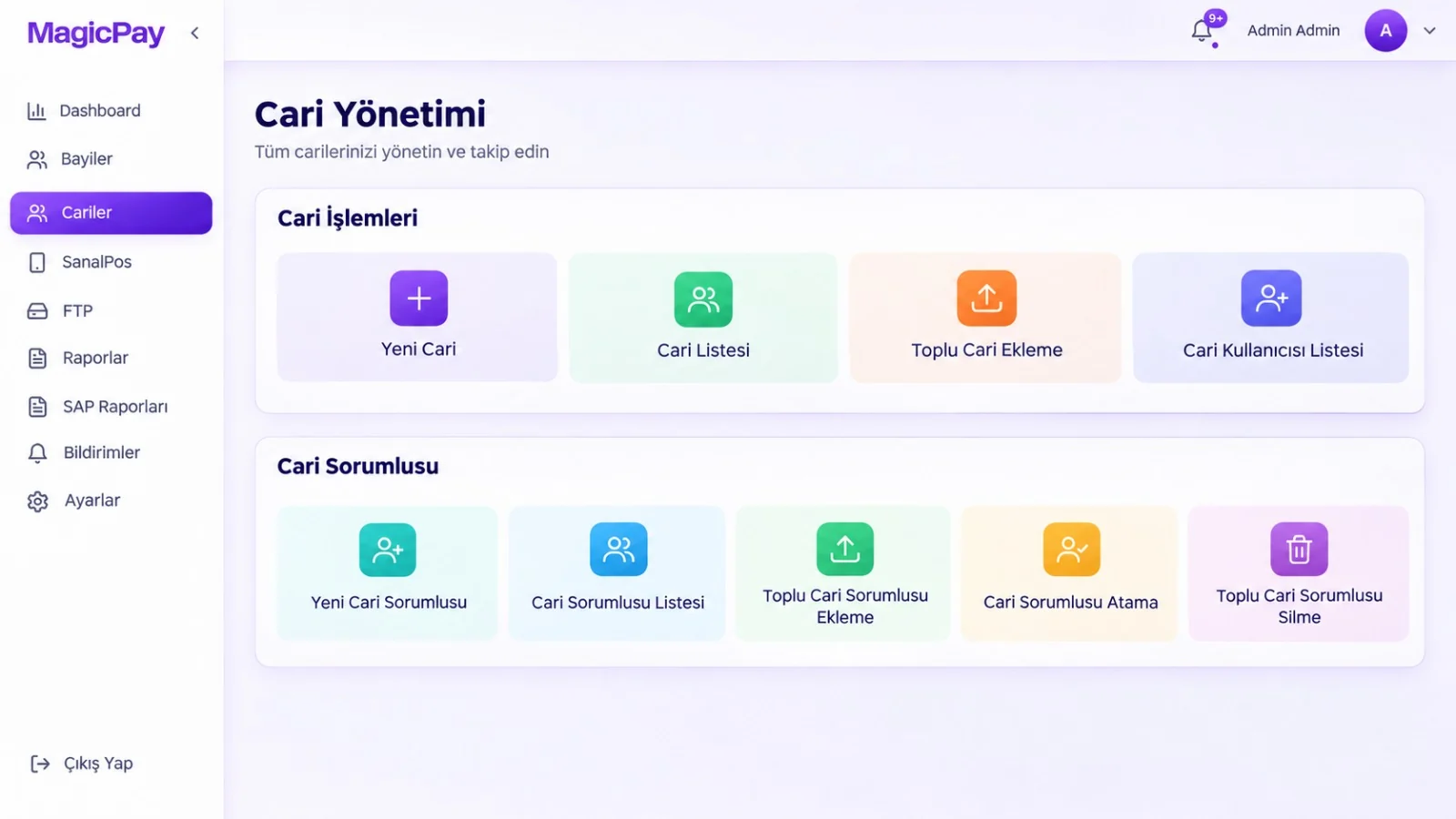
Dealer information, customer accounts and collection reports in one management experience.
 Open full-size image
 Open full-size image
MagicPay product screens · Turkish interface
Automatically post successful dealer collections to customer accounts in your SAP, Logo and Zirve systems.
MagicPay's dealer collection system lets your dealers pay by credit card through your existing agreements with banks and payment institutions. The dealer portal, payment links and card collections in the field are part of the same operation. Completed payments are automatically posted to the trade account with the dealer and invoice reference, so your sales team can see the collection and your finance team can see the settled invoice in the same record. Manage your entire dealer network centrally instead of matching payments across messages and payment lists.
Your dealers pay outstanding balances or orders by card, either in a single payment or using the installment options available to them. Collections go through your connected bank and payment institution accounts. Central and field teams use the same dealer and sales record, regardless of the payment channel.
Completed collections are recorded with the dealer code, invoice or order reference and transaction outcome. MagicPay's SAP, Logo and Zirve integrations automatically post this information to ERP and trade-account records, letting your team track which payment settled which business record. Refunds and adjustments stay linked to the original collection, so sales and finance work from the same transaction history.
Use MagicPay's dealer collection system as SaaS or deploy it on-premise in your own infrastructure. Choose the model that fits your IT and operational setup, and manage dealer collections alongside your ERP and trade-account workflows.
Manage the relationships between head office, dealers, subdealers and field representatives in one hierarchy. See not only which dealer a collection came from, but also the region and representative it belongs to. Users work with records within their area of responsibility, while central teams track the entire network.
You do not have to apply the same commercial terms to every dealer group. Define installment options, installment surcharges and payment amount limits for each group. The payment experience offered to each dealer follows these rules, while central teams manage the terms in one structure rather than separate files.
Run dealer collections through MagicPay's shared routing infrastructure. Card program, installment and amount details are evaluated alongside your configured provider priorities. A route is selected from eligible bank connections based on your commercial priorities. Technical errors are handled through alternative routes and controlled retries; uncertain outcomes are checked first, and attempts for the same order are tracked together.
Use it in industries that operate through dealer networks, including automotive parts, batteries and tires, building materials, paints and chemicals, electrical supplies, medical supplies, food distribution, consumer durables and agriculture. The same system tracks both orders between wholesalers and dealers and regional collections for franchise head offices through shared dealer, invoice and payment relationships.
Start with four steps that connect your existing dealer and accounting structure to the payment flow.
A dealer collection system is software that lets manufacturers and distributors accept card payments from their dealers and match completed collections to dealers, invoices and trade accounts. MagicPay brings this workflow together with a dealer portal, payment links and centralized operations.
Supported connections under your existing agreements with banks and payment institutions are used. Dealer payments go through these accounts, with installment options and provider selection tied to your configured commercial terms.
Dealers can access their own account through the dealer portal and make a payment. They can also complete a payment request through a link you send without logging in. Both channels are linked to the same dealer and collection record.
MagicPay integrates with SAP, Logo and Zirve. The dealer code, invoice or order reference, amount and completed transaction outcome are automatically posted to ERP and trade-account records, and finance can track the relationship between the payment, invoice settlement and subsequent transactions.
Yes. MagicPay's dealer collection system is available both as SaaS and as an on-premise deployment in your own infrastructure. Choose the model that suits your business's IT and operational setup.
Group-based installment options, installment surcharges and amount limits are configured alongside the dealer and subdealer hierarchy. User access is also restricted by role and area of responsibility.
MagicPay's payment orchestration, dealer collection and POS products work with shared transaction references. You can track e-commerce orders, dealer payments and field collections through the same centralized operation.