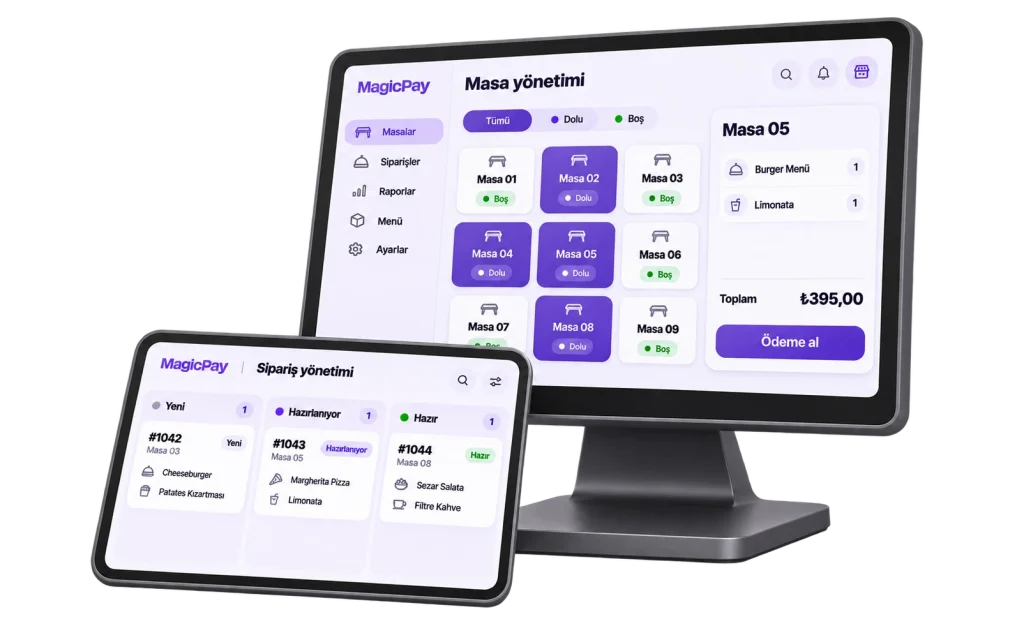
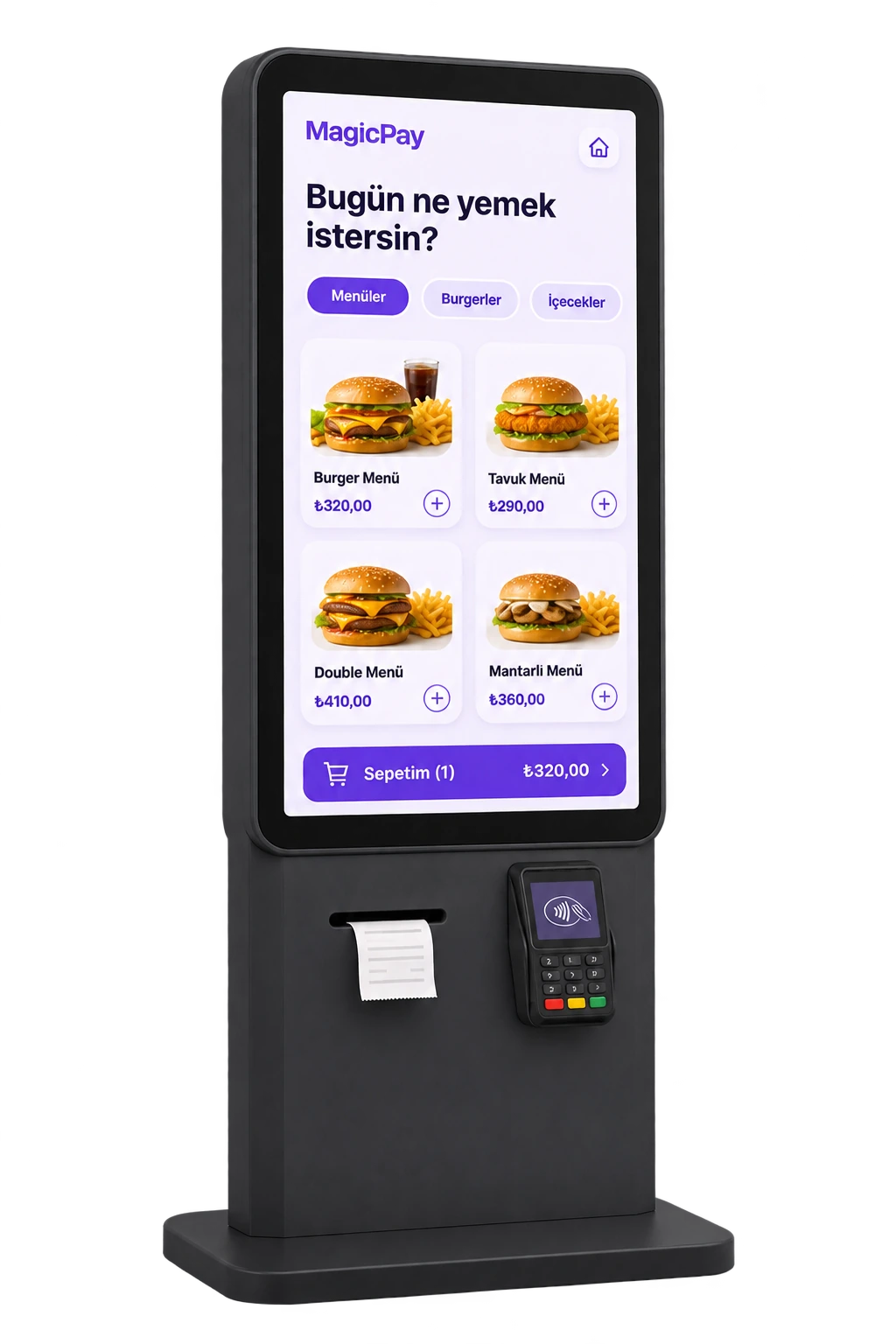
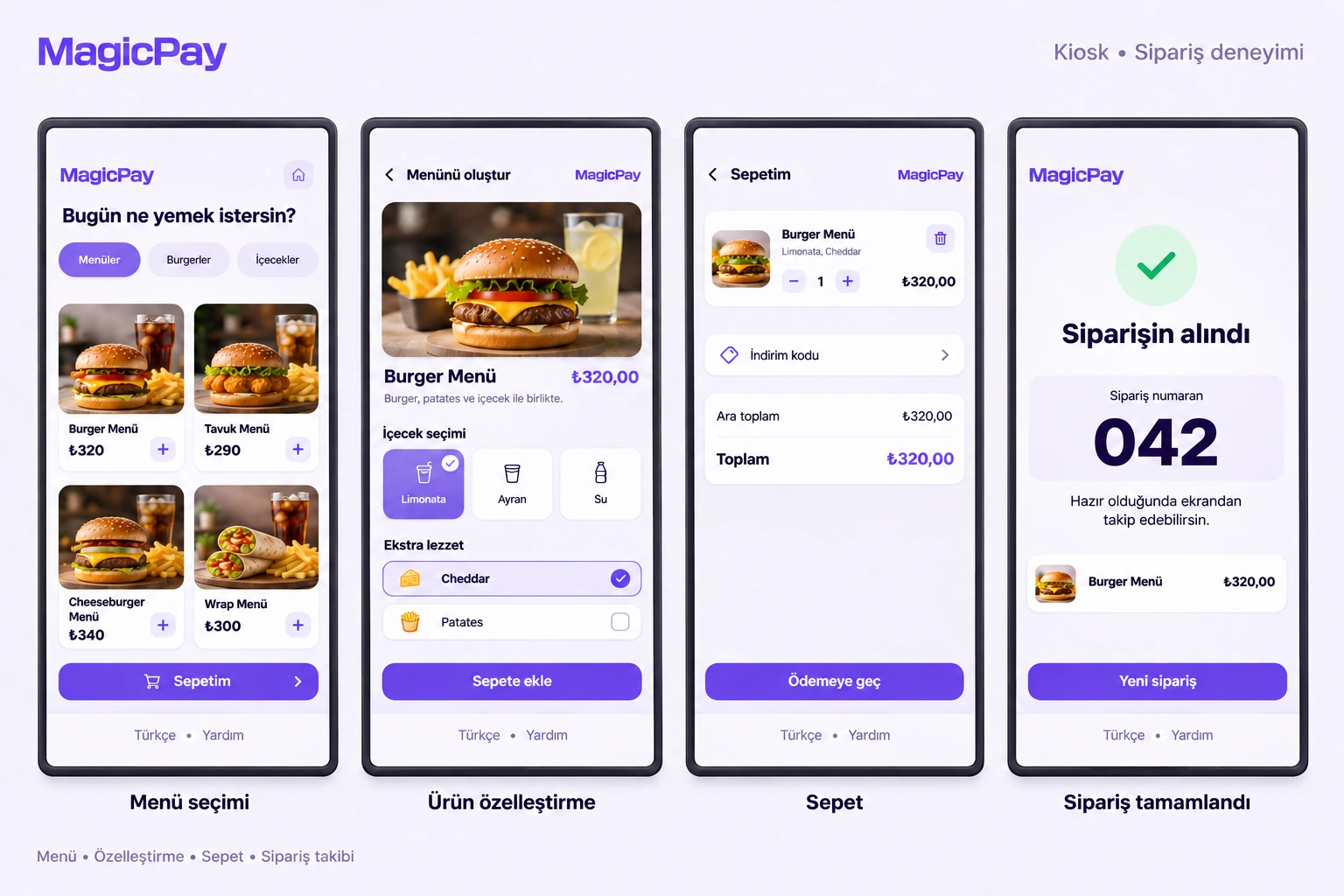
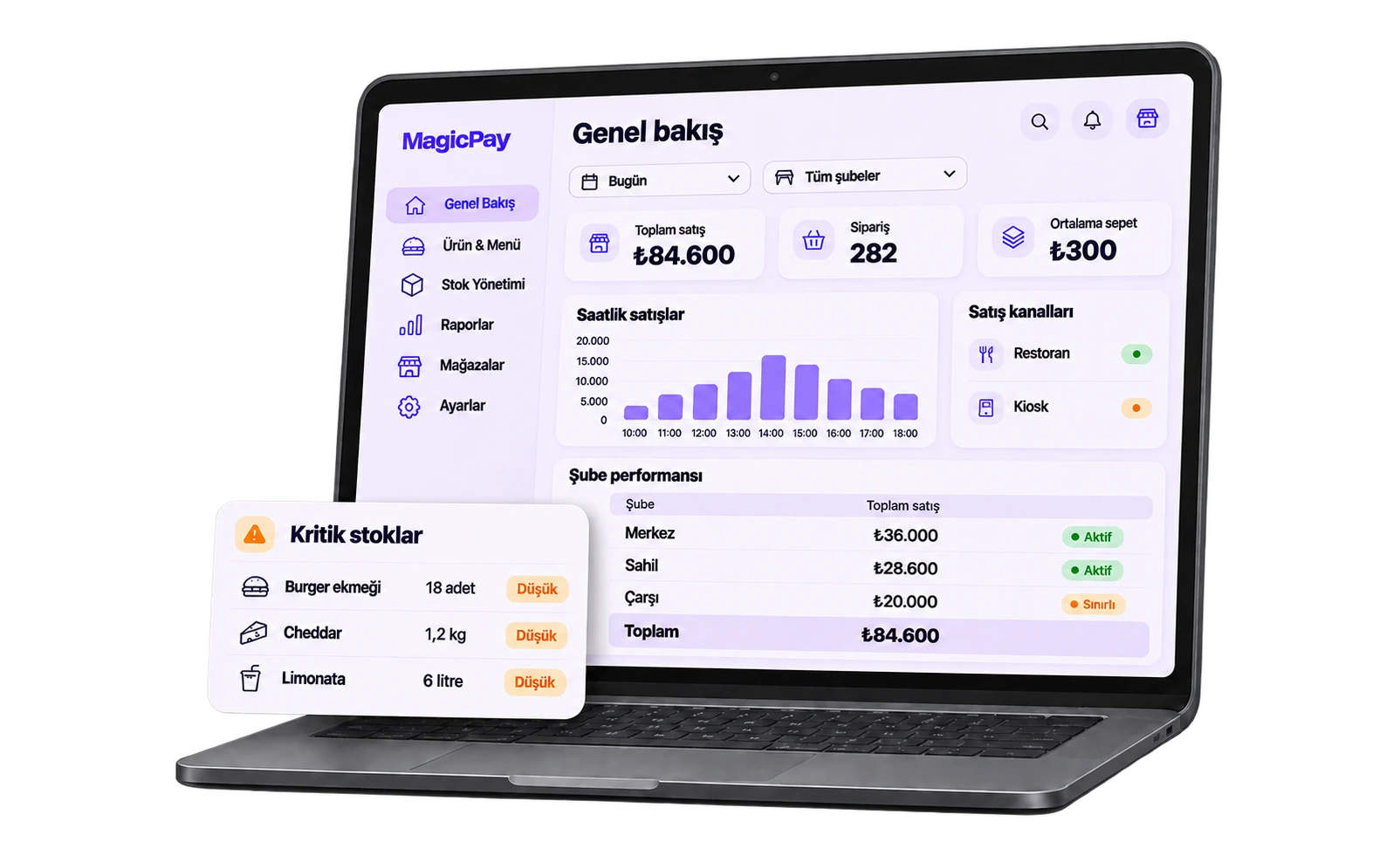
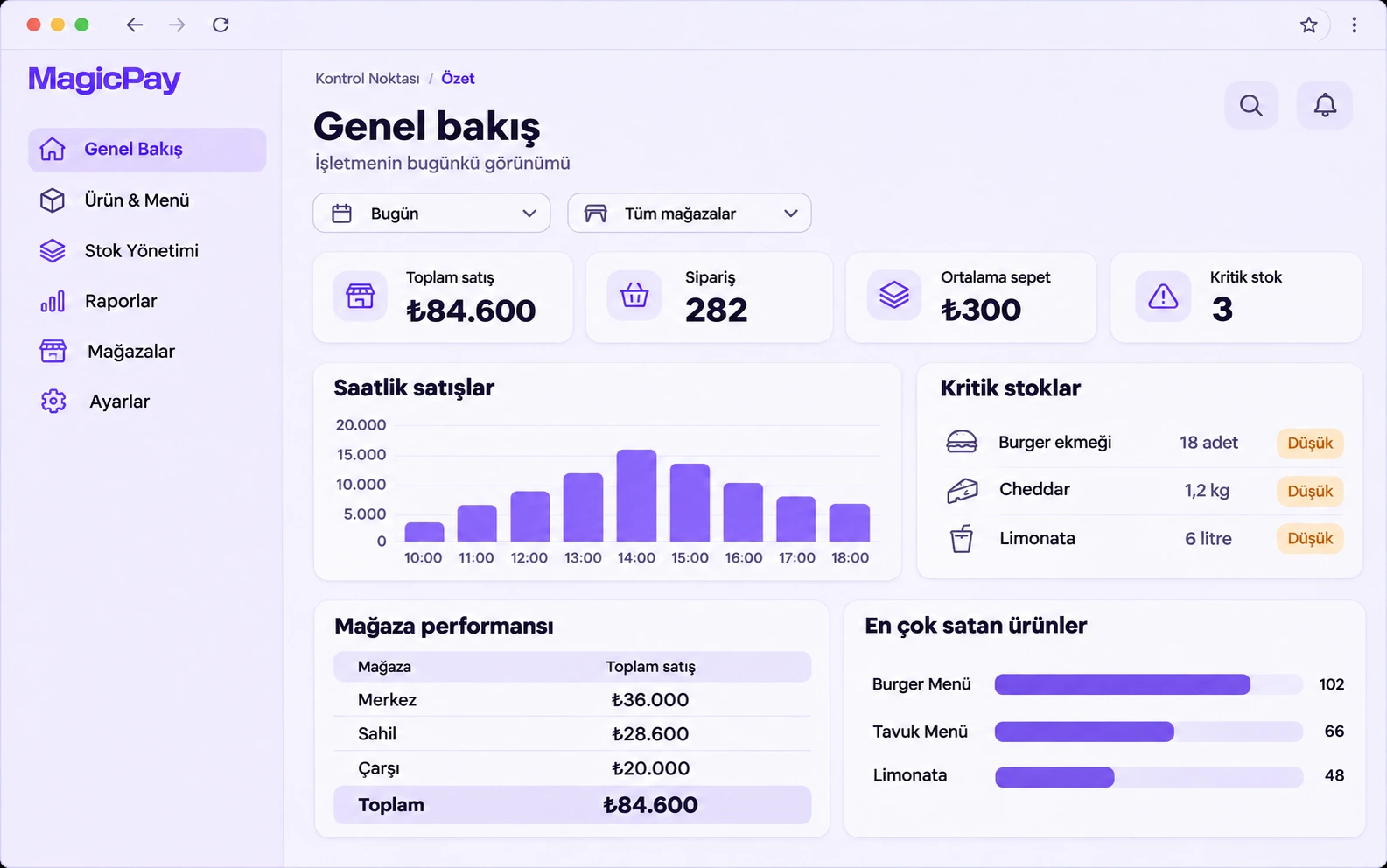
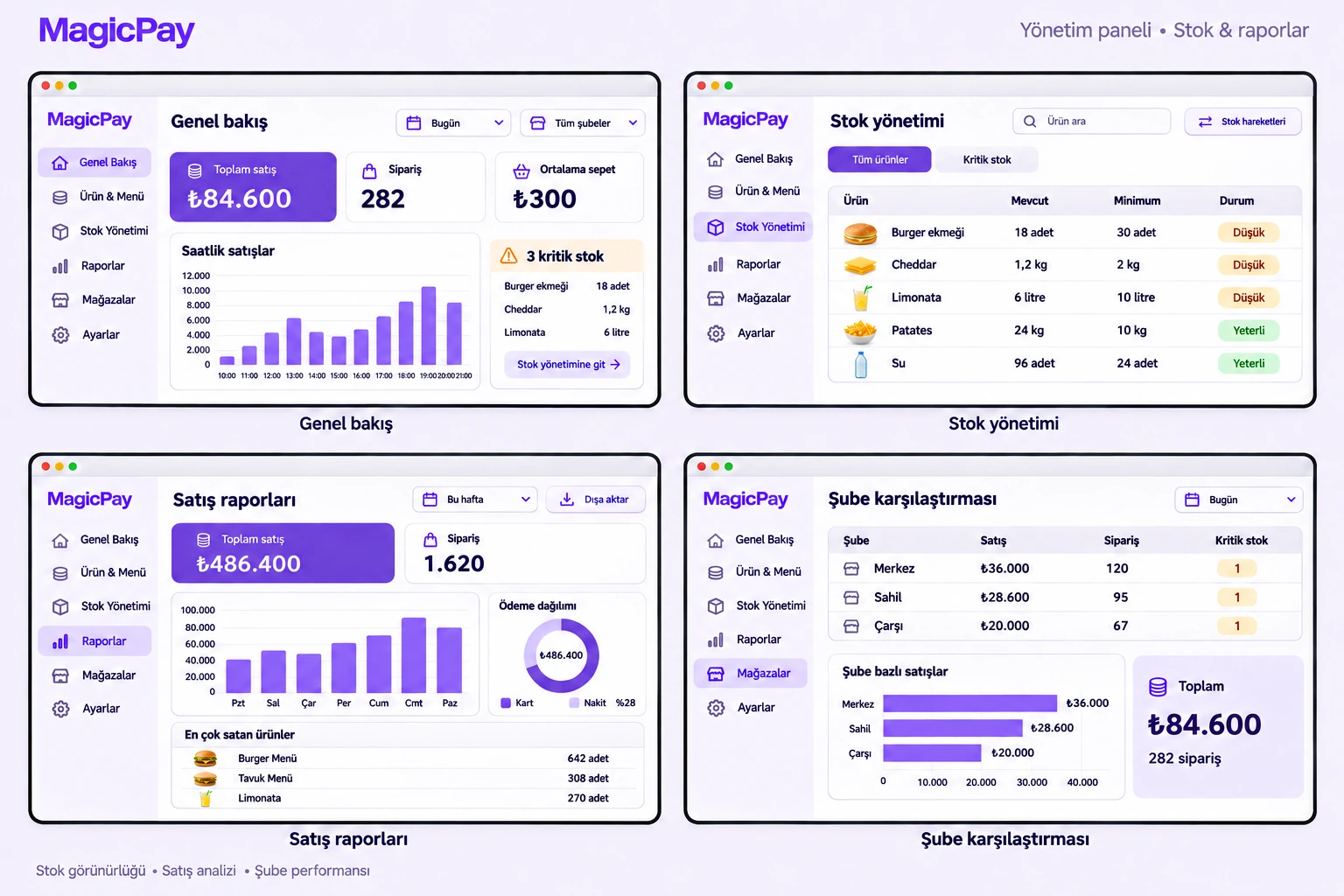
Whether a guest is waiting for the check, a queue is forming at checkout or a courier is taking payment at the door, the question is the same: how much of which check has been paid? The MagicPay restaurant payment system connects orders and checks to collections at the table, checkout and delivery. Android POS, QR and Soft POS join the same sales structure. While service staff look after guests, checkout and central teams follow payment results from the same record.
Keep the check and its payment history clear
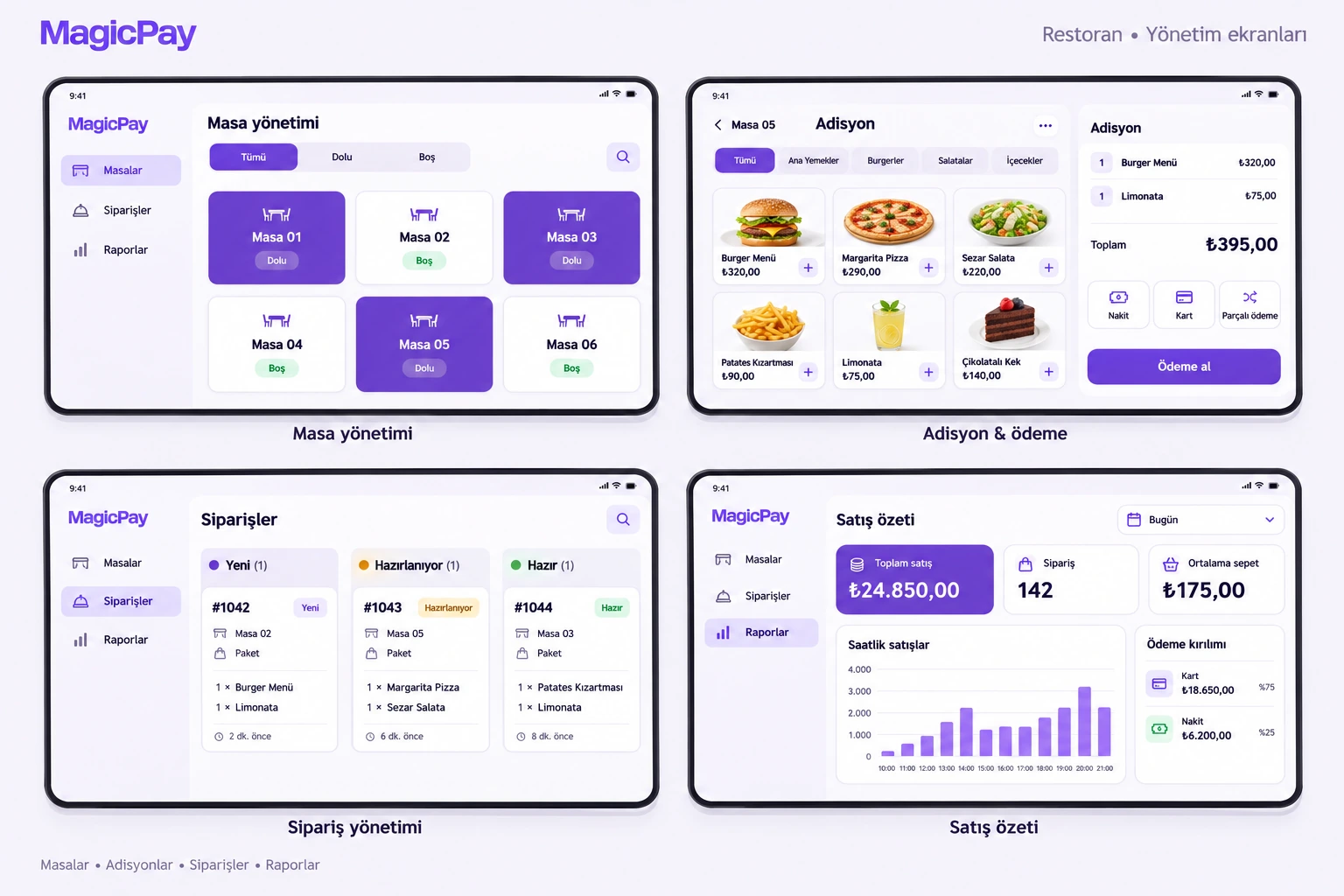
Table, order and check references travel with each collection. Portions paid by different people or methods remain linked to the original check. Cashiers follow the remaining amount, managers see which user performed each action, and cancellations and refunds can be investigated from the sale's history.
- Connect tables and checks to payment records.
- Track split collections under the same check.
- Use responsibility-based permissions for servers, cashiers and managers.
Payment at the table, through QR and on delivery
Bring payment to the guest's table with Android POS. In the QR flow, guests complete the relevant request on their own phones. For delivery, couriers accept contactless cards with Soft POS on compatible NFC-enabled Android phones. Even when the payment channel changes, the check and order relationship appears consistently in the central view, letting service teams track delivery and collection together.
Read branch collections from one center
Branch, checkout, device and user details stay in a shared transaction record. Finance reviews daily collections and provider results, while branch managers see their own service points. When investigating a refund or uncertain payment, teams open the same history from the check number. Decisions use records instead of piecing together separate terminal lists and service messages.
Connect your service flow in three steps
Bring existing restaurant software and collection points together through shared references.
- 1. Define your table, check, branch and user relationships.
- 2. Connect Android POS, QR and Soft POS channels to orders and payment results.
- 3. Test split payments, cancellations and refunds, then bring service and finance teams into the same dashboard.
Who is it for?
Table-service restaurants, cafes, quick-service businesses, delivery brands and multi-branch chains. A business with one checkout and a brand combining several service models both use the same check relationship. When a branch opens, its devices, users and reporting visibility join the existing organization, with central and branch teams working within their responsibilities.