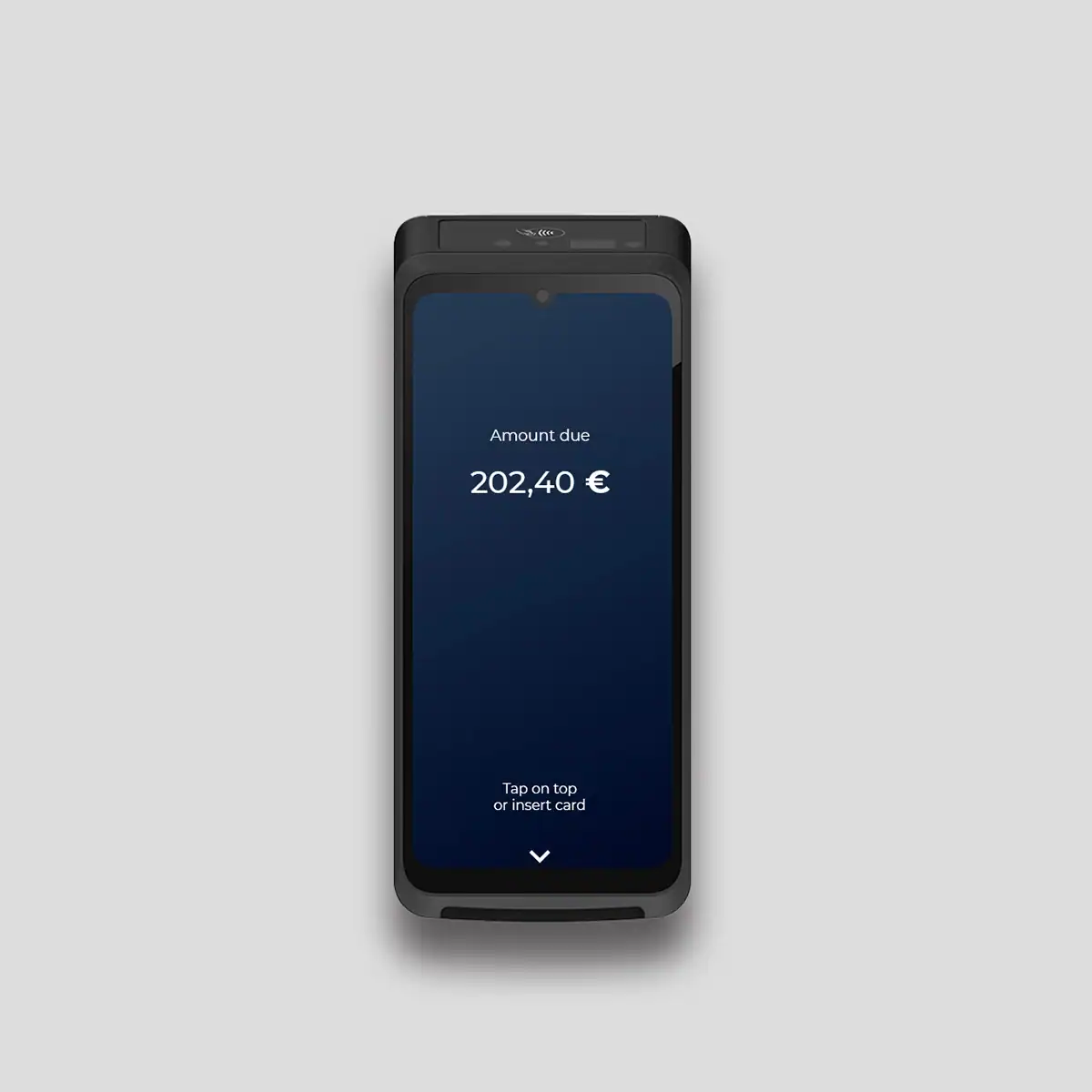
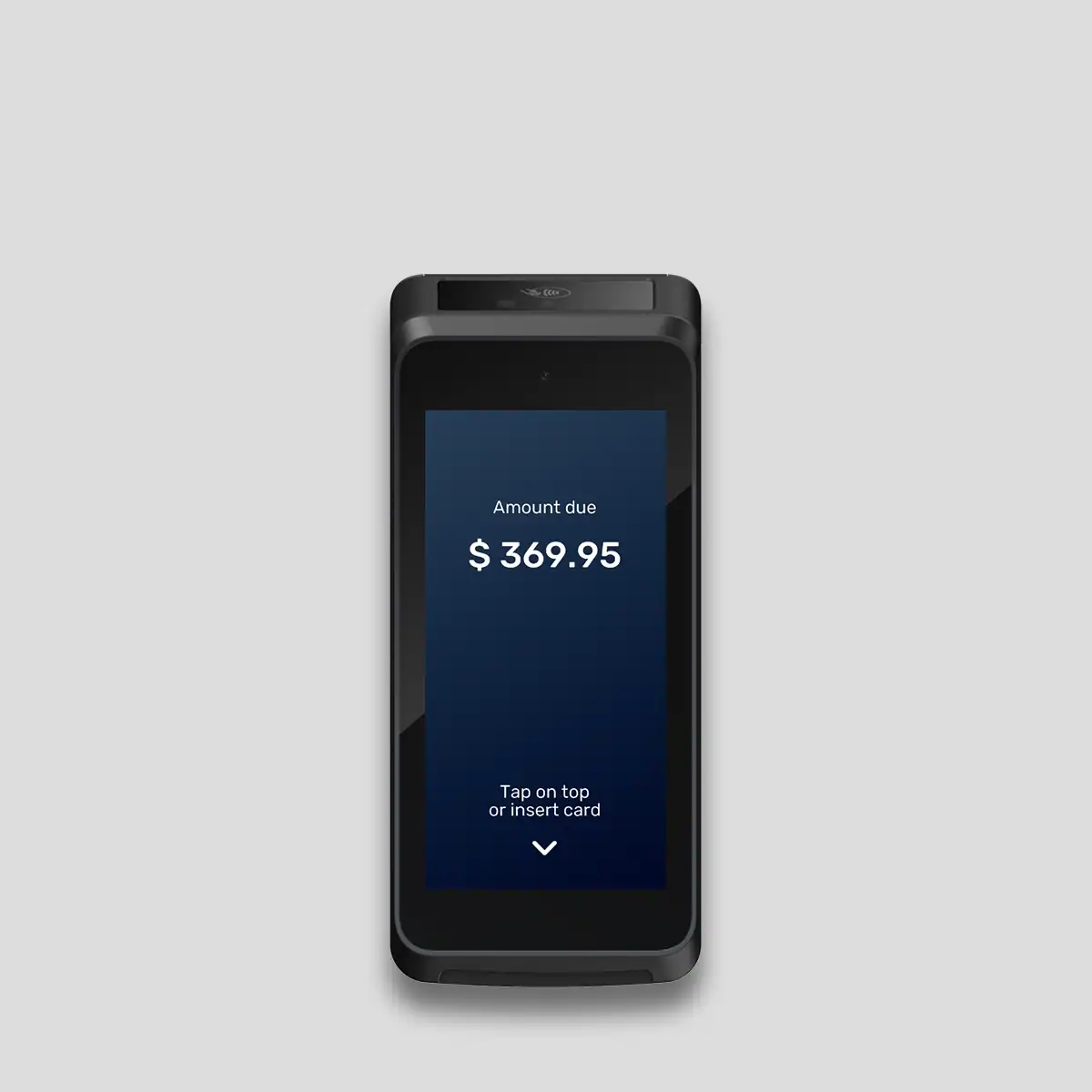
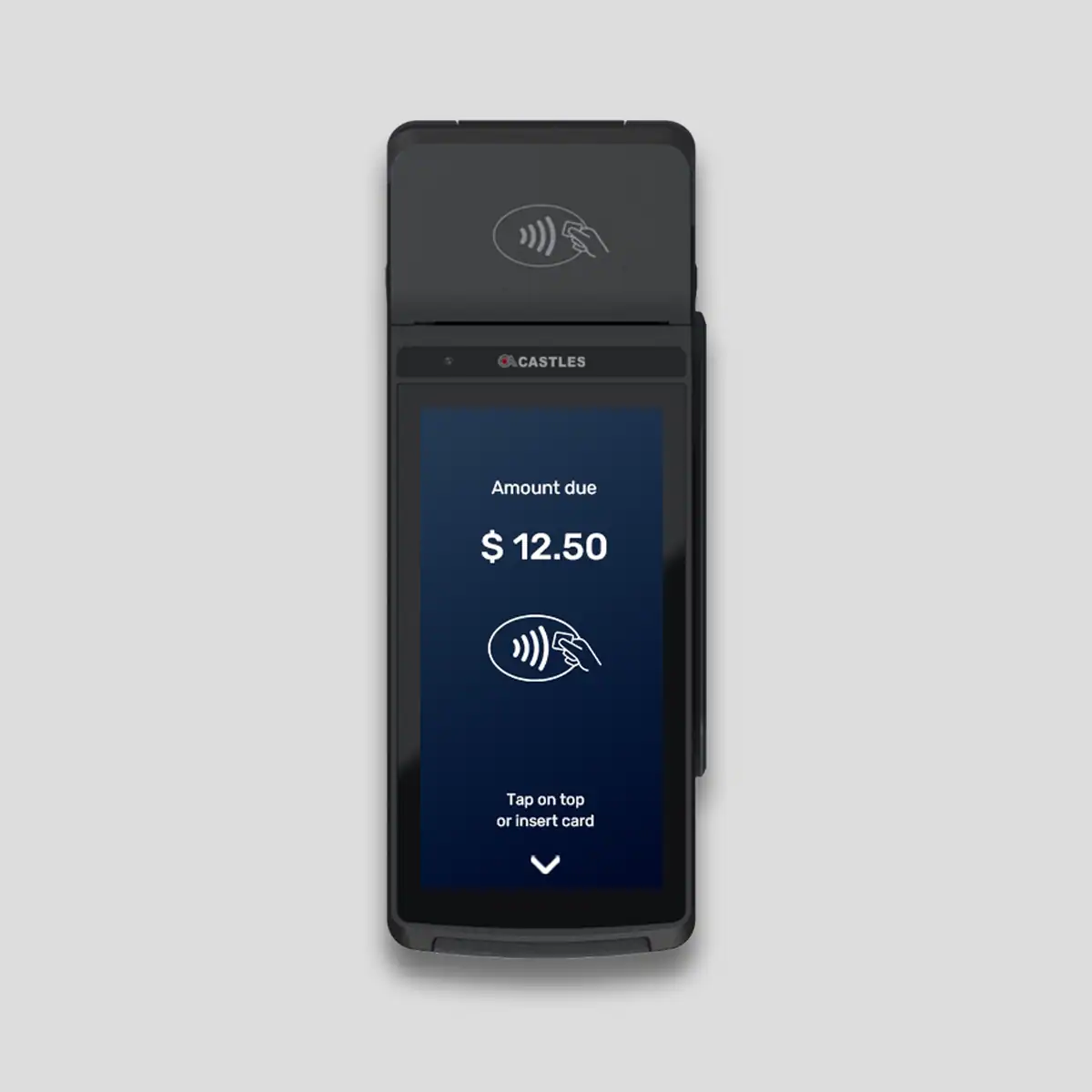
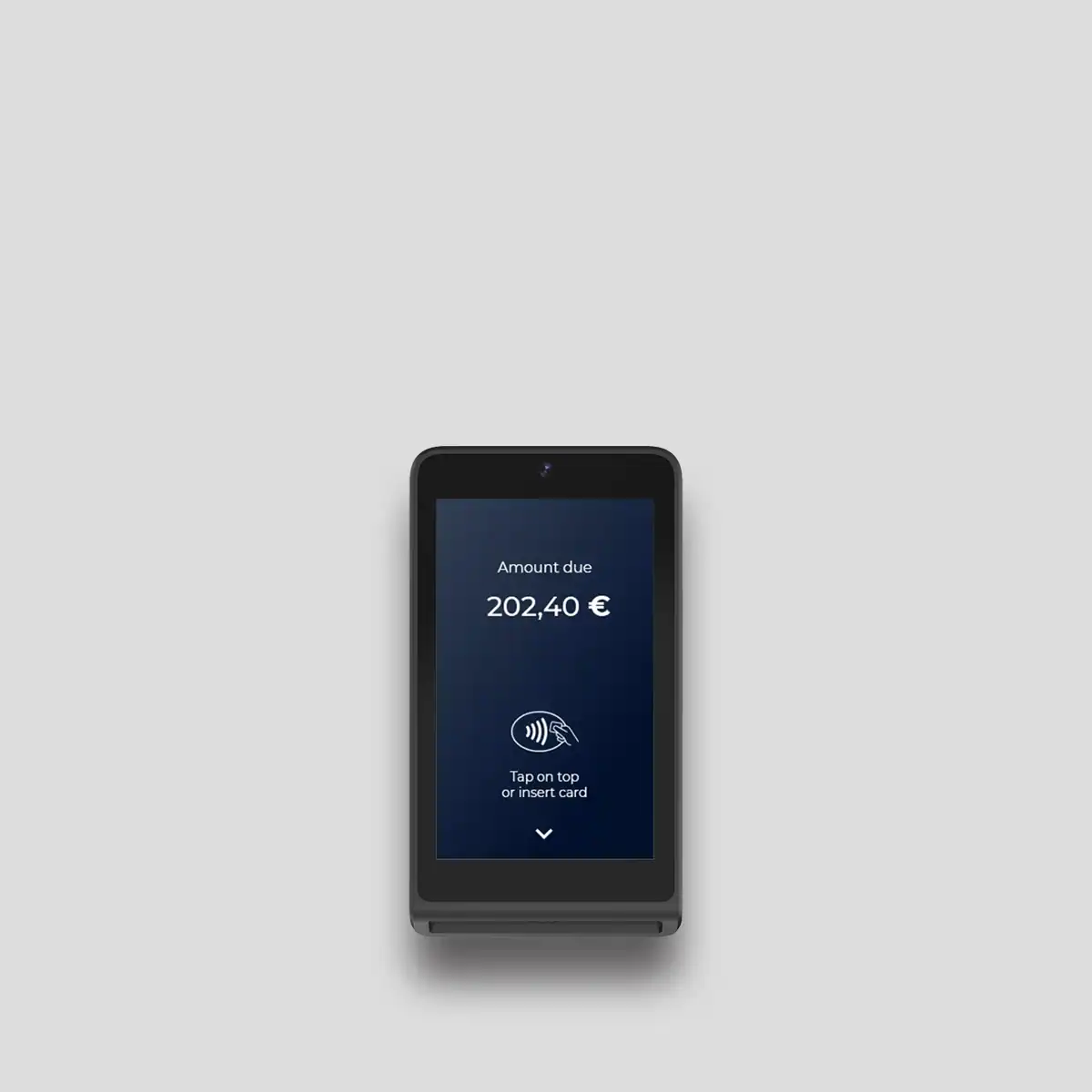
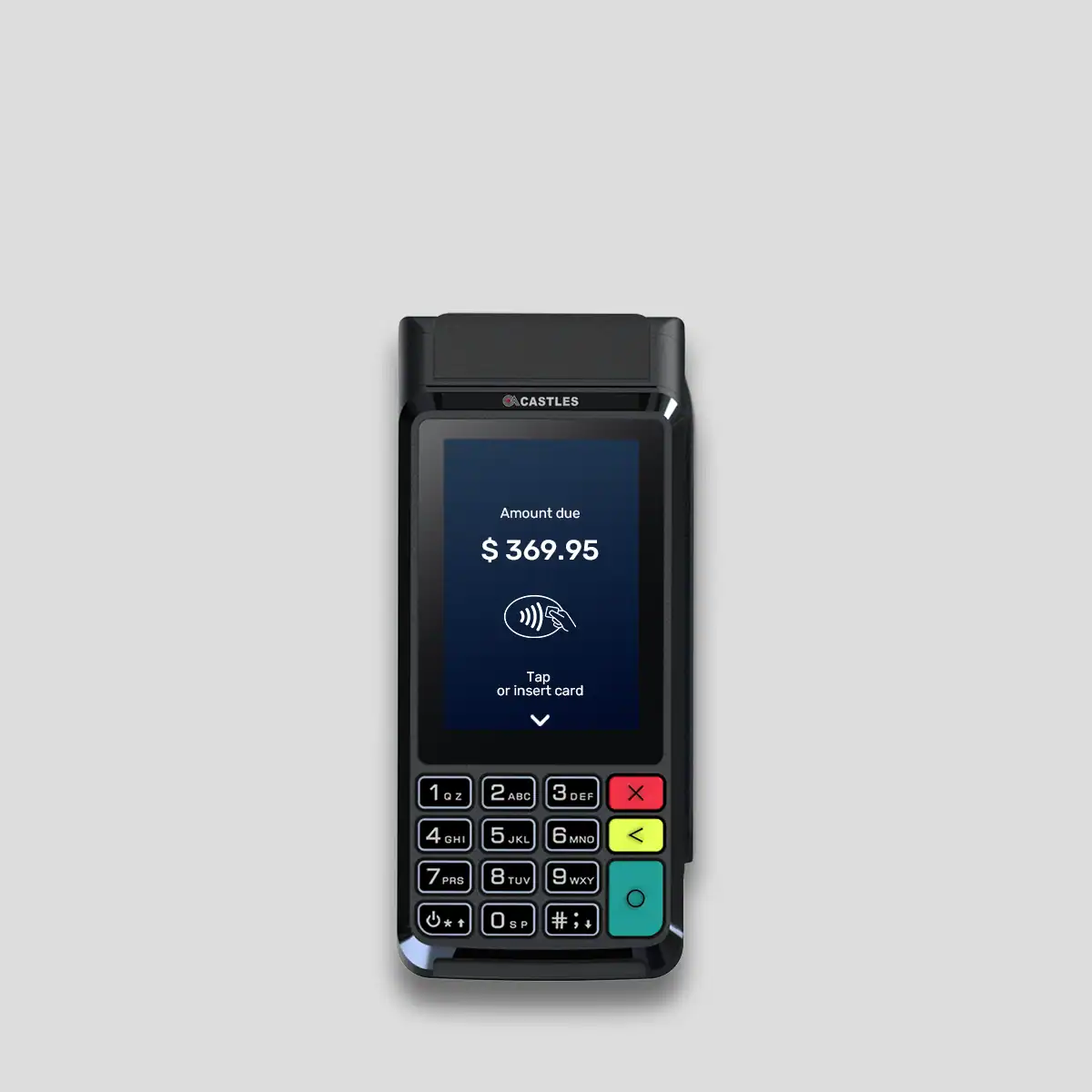
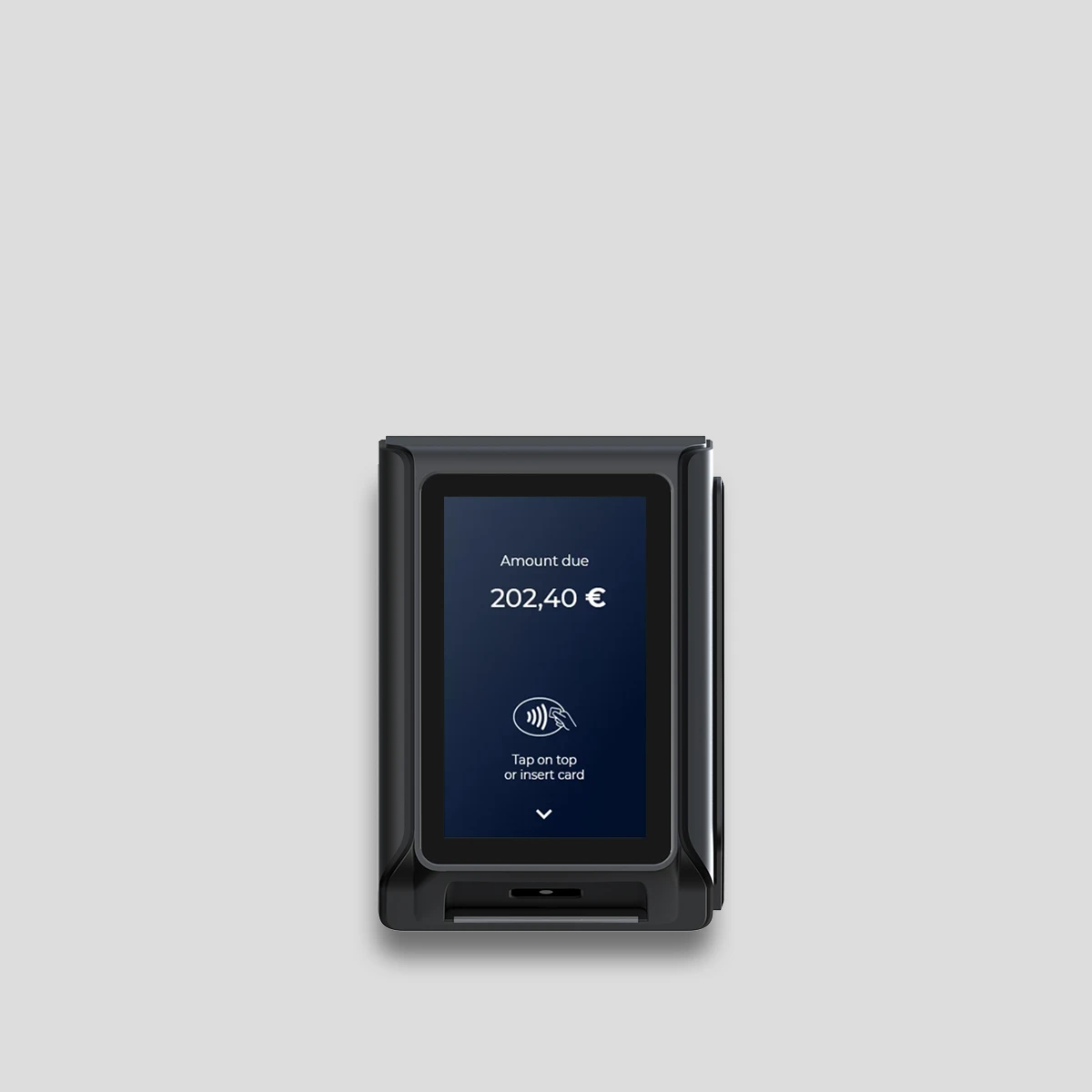
Keep online and physical collections from becoming separate devices, reports and reconciliation lists. MagicPay brings card transactions, from in-store POS terminals to mobile field collections, into the same operational structure as online payments. Follow the sales reference to see which branch, device and bank connection processed a payment. Physical POS payment orchestration goes beyond choosing hardware: it connects sales, collection and finance teams through a shared record.
A shared payment flow from device to sales record
The payment request from checkout connects to the terminal with an amount and order reference. The result returns to the sales record, so staff and central teams follow the same transaction. When a customer asks a question, you can open the sale's payment history rather than searching separately for terminal output and bank records.
- Manage branches, checkouts and terminals within the same merchant structure.
- Link card collections to sales and staff references.
- Review online and physical transactions together using channel filters.
A terminal setup suited to your service point
Fixed checkouts, pay-at-table service, mobile sales and self-service locations need different working arrangements. MagicPay connects devices in the existing CASTLES terminal catalog to the way each sales location operates. Android POS combines the sales application and terminal experience, while Soft POS enables mobile collection on a compatible phone. Central teams manage these acceptance points through the same operational view.
Keep refunds and day-end controls connected to the sale
Cancellations, full refunds and partial refunds are tracked using the original sale reference. Branch staff see which collection was adjusted, while finance follows the provider result and reconciliation relationship from the same record. Channel, date, branch and device breakdowns support daily checks; the same recording structure continues when a new branch opens.
Unify physical collections in three steps
Launch the device setup together with your sales and finance workflows.
- 1. Map your sales locations, existing bank connections and terminal use.
- 2. Set up branches, checkouts and users, then connect sales, payment and refund flows.
- 3. Complete test transactions and start monitoring by channel and device in the central dashboard.
Who is it for?
Retail chains, restaurants and cafes, distributors, businesses accepting card payments on delivery and self-service locations. Teams managing both stores and online sales can investigate different devices' results through the same business reference. Branch managers see local activity, while central teams view the network within their permissions.