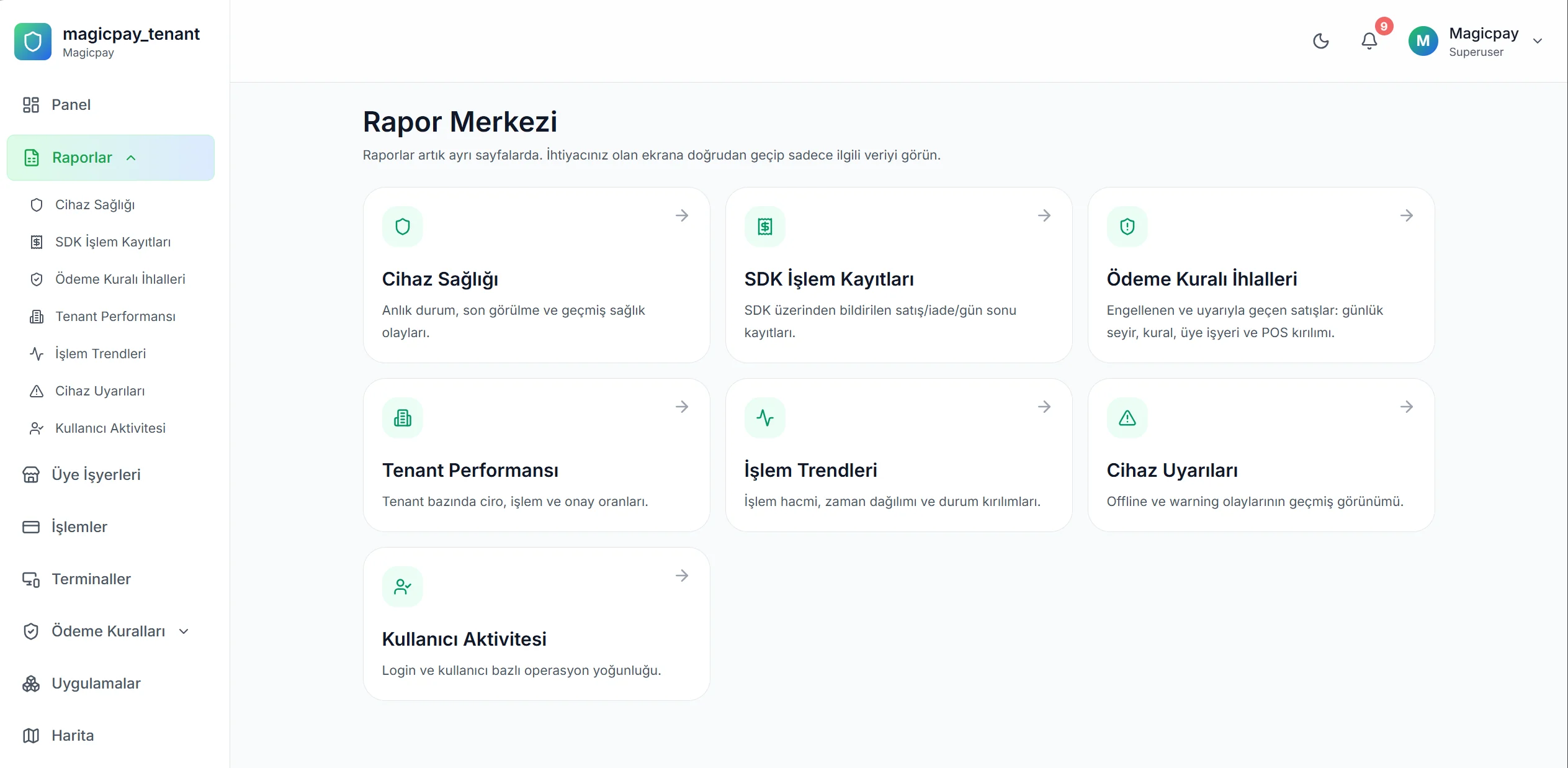
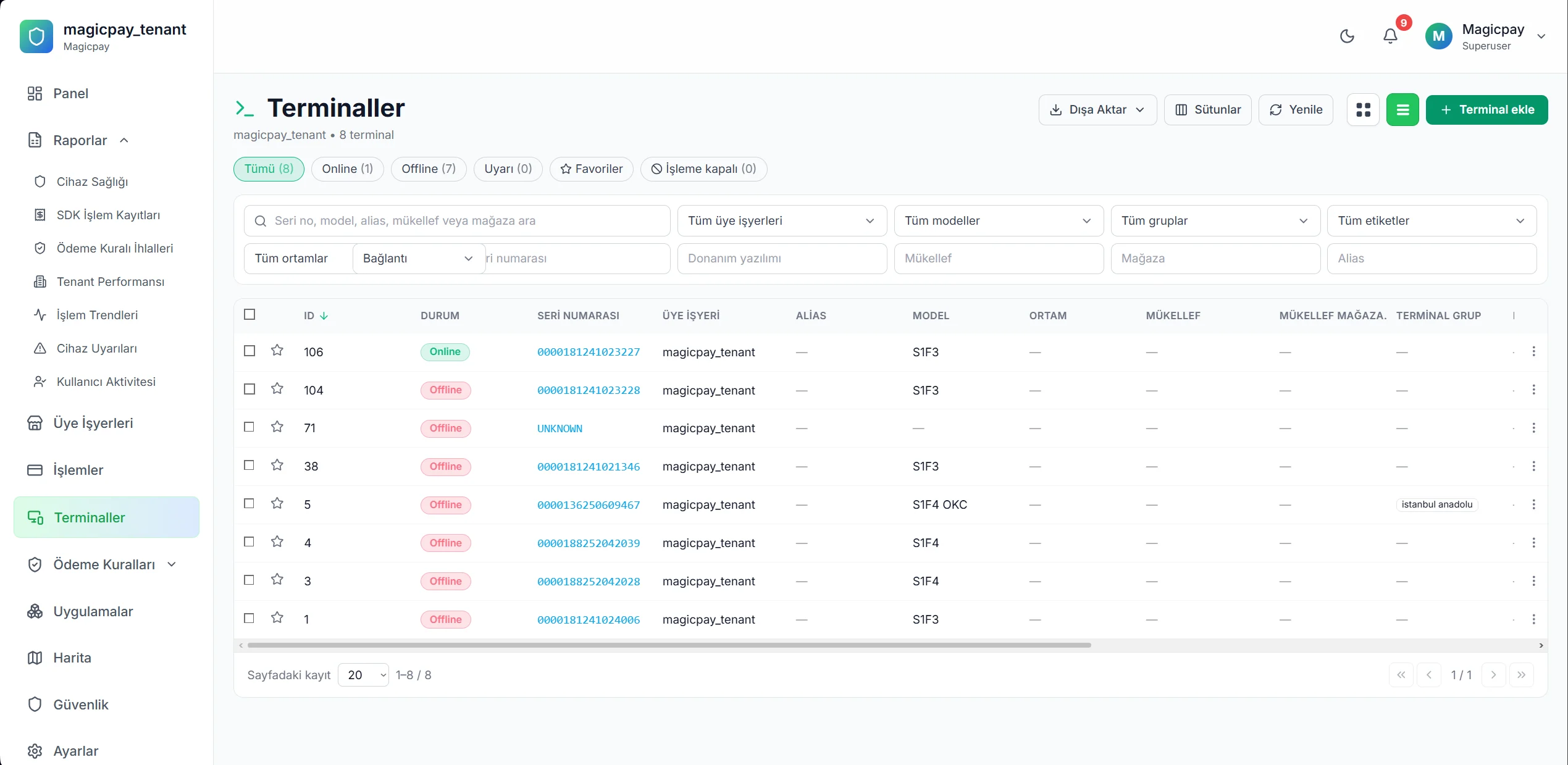
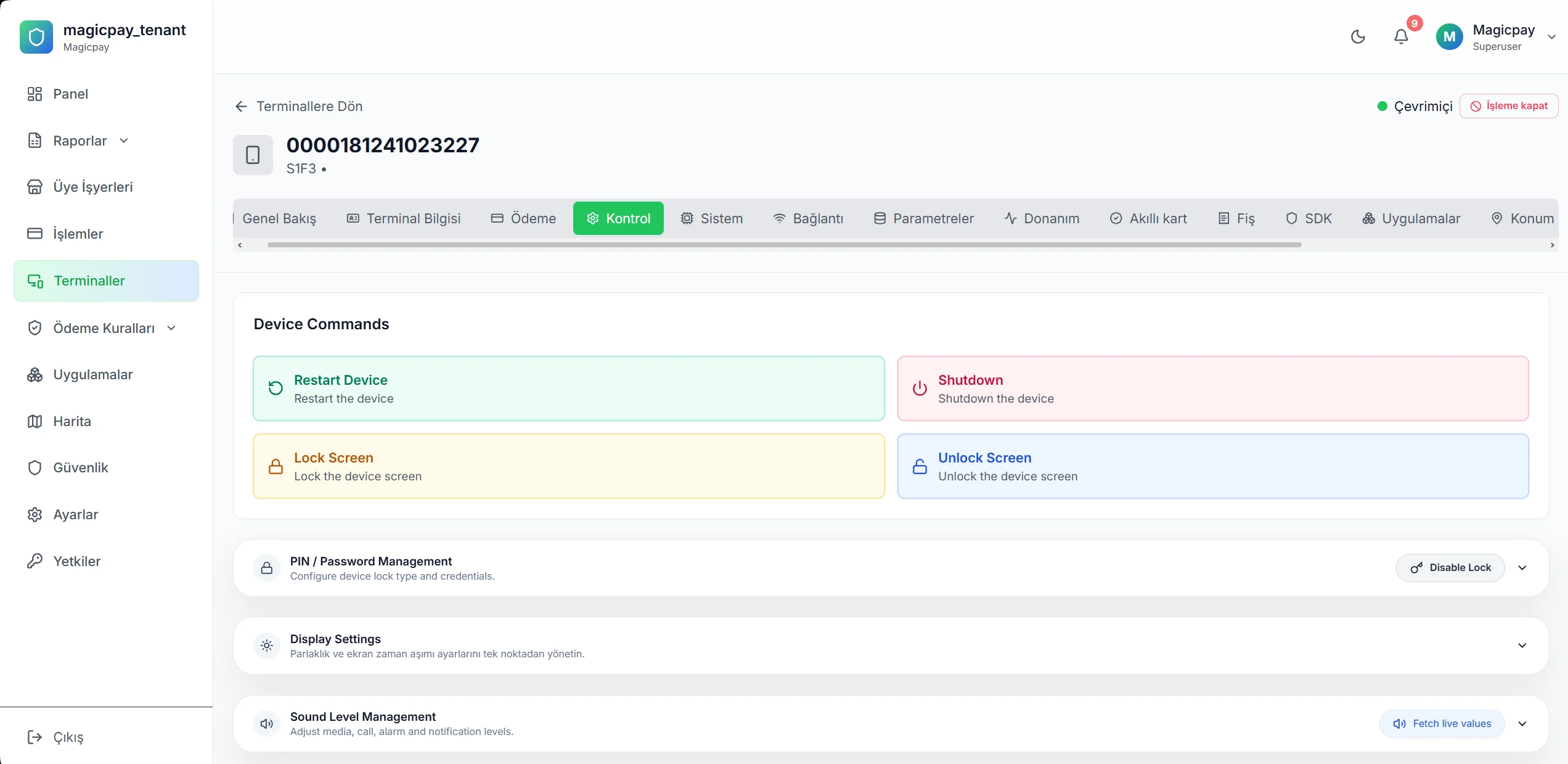
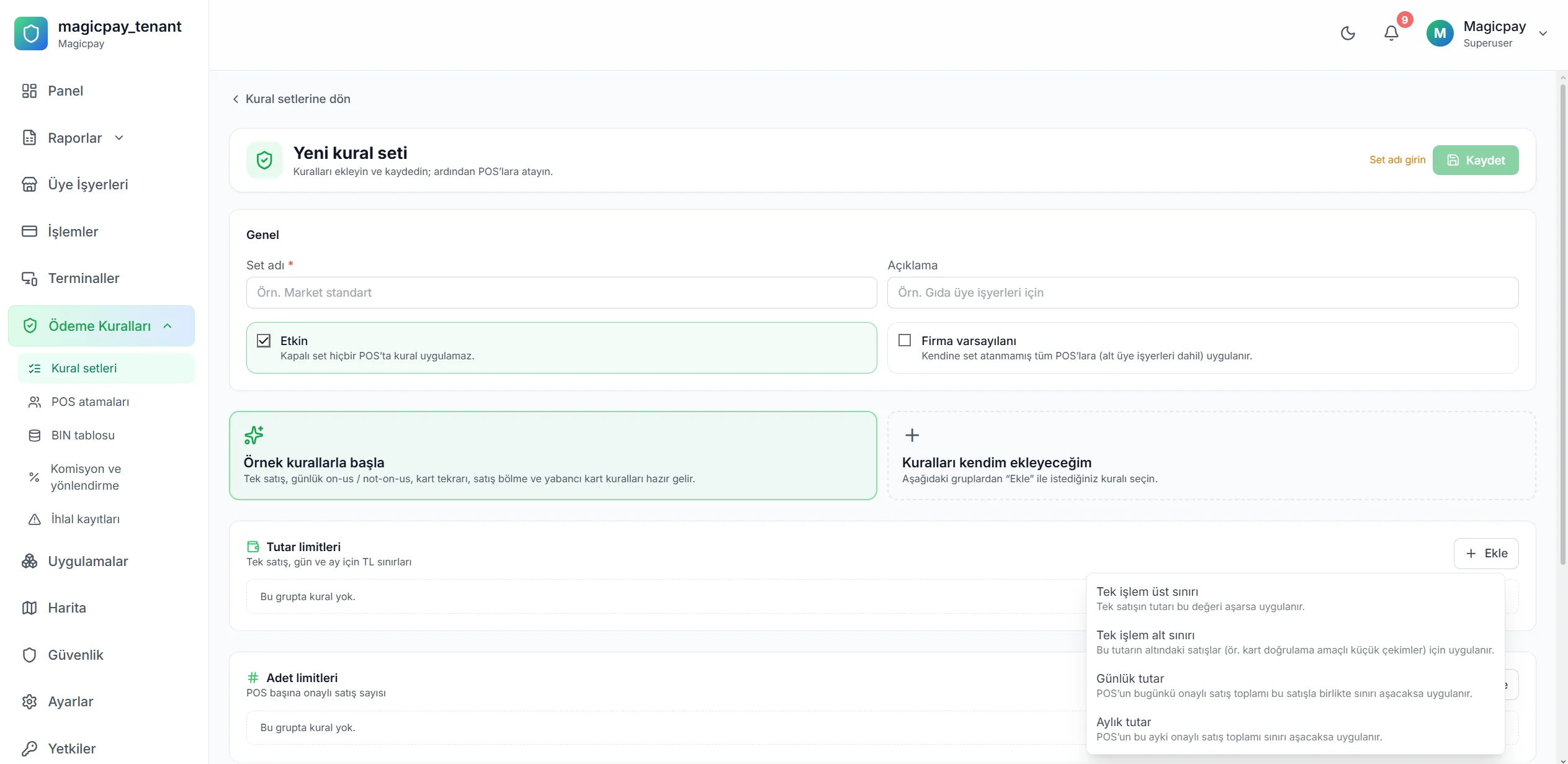
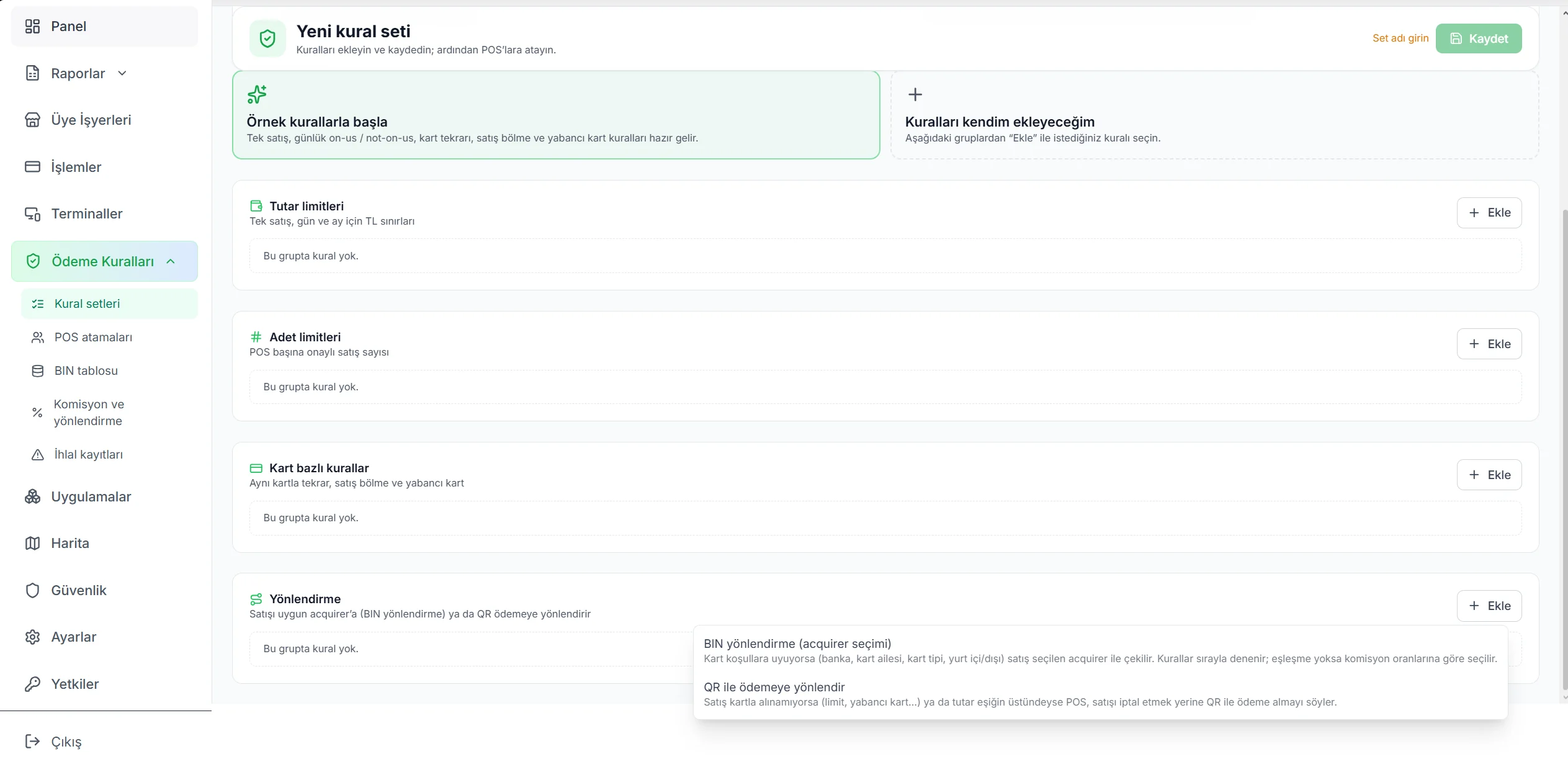
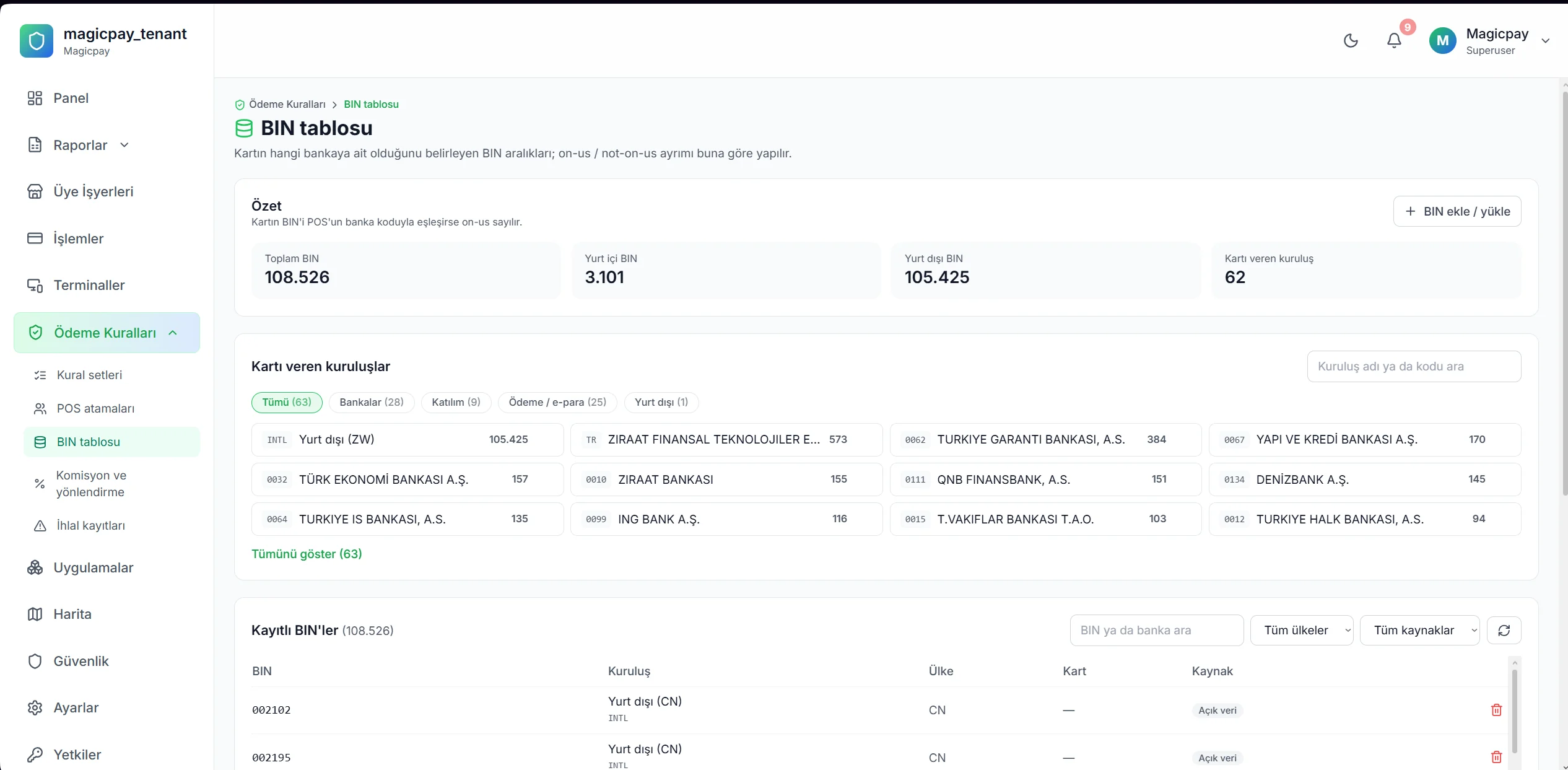
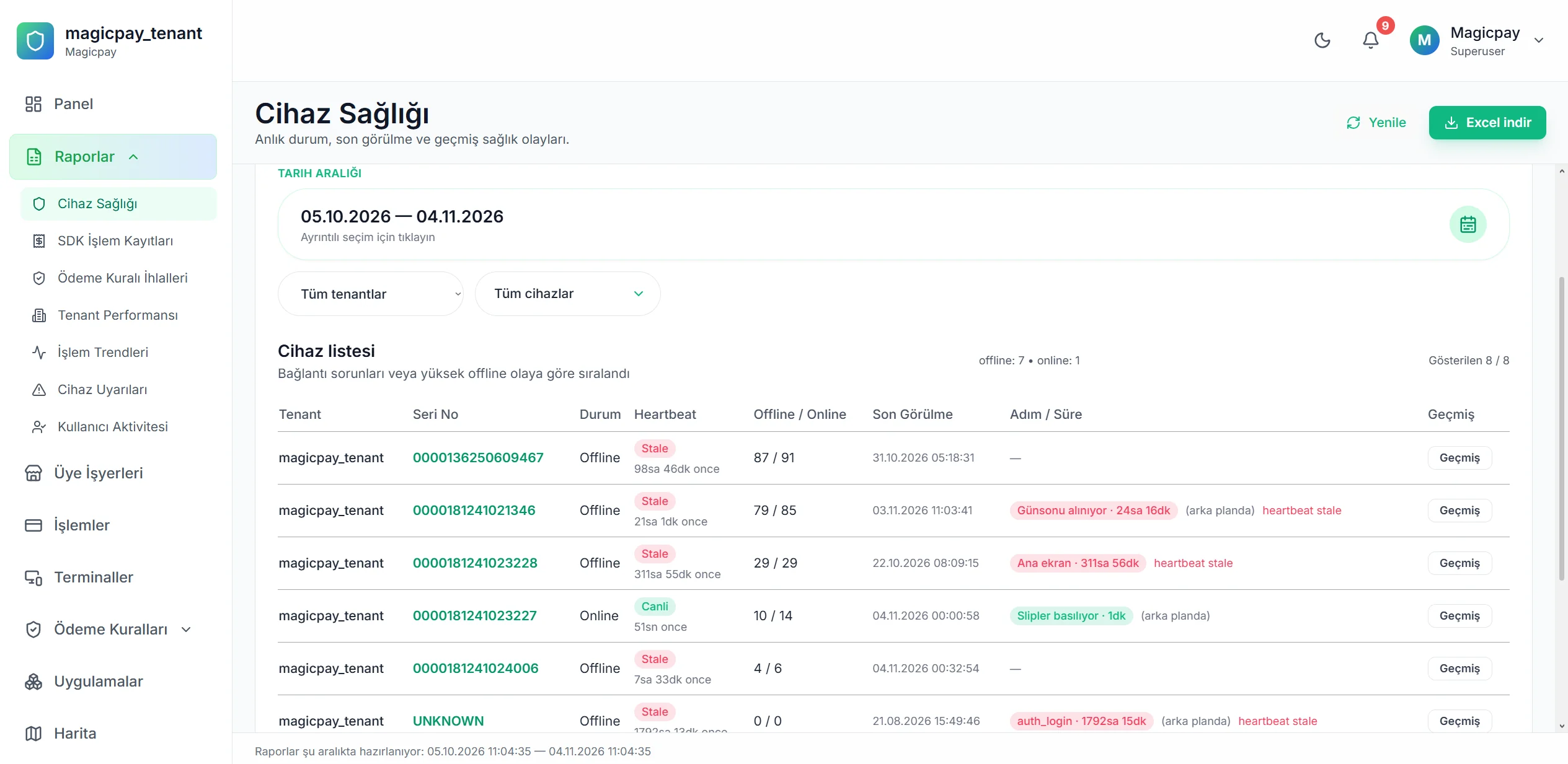
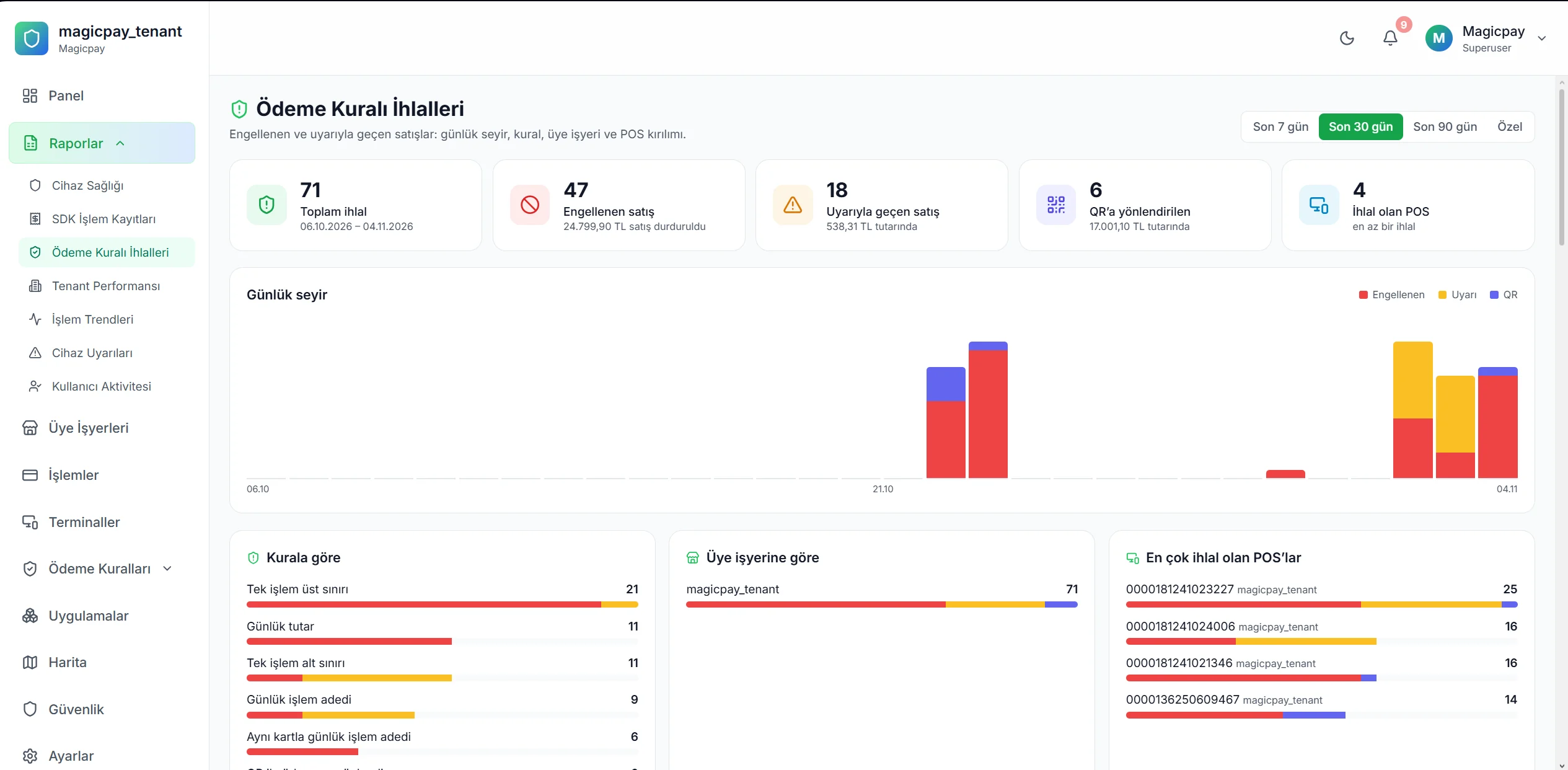
Opening a new branch starts with matching the right terminal to the right checkout. MagicPay POS Device Management connects terminal inventory with merchant, branch and checkout relationships. Installation requests, recorded device status and service history are tracked against the same identity. Central and field teams share the information they need to understand where a device is located and which operational record to consult.
Find the right record without searching for the device
A branch request needs more than a terminal model: teams also need to know which merchant and checkout are affected. The central inventory brings serial numbers and model information together with that business context. Support identifies the request scope, the branch manager recognizes the device, and field staff prepare by reviewing previous work on the same terminal.
- Link serial numbers and models to the merchant.
- Keep branch and checkout mappings current.
- Review requests alongside device service history.
From installation request to device record
Record the installation need with the relevant merchant, branch and checkout. When the terminal identity enters the inventory, the request remains linked to the device. Follow installation and activation stages through responsible-team information and recorded status. Central teams can review preparations for a new sales location while field staff see which device and business they are working with in the same record.
Retain service and replacement history
Fault reports, service investigations and replacements are linked to the terminal identity. Support can consult previous service records when assessing a new request. If a device moves to another branch, update its merchant and checkout mapping while retaining the relevant operational history for investigation. Teams can assess the current location alongside previous work and plan their next action with shared context.
Who is it for?
Retail, restaurant and field collection teams managing multiple branches and terminals. It provides a shared inventory structure for businesses that want centralized tracking of new sales locations, device moves and service requests. Branch management, central operations and technical support work from the same device relationships.
Three steps to organized terminal operations
Start by mapping your existing devices, then bring new installation and service requests into the same inventory structure.
- 1. Map terminal identities to merchants, branches and checkouts.
- 2. Follow installation requests and recorded device statuses.
- 3. Link service and replacement records to terminal history.
MagicPay provides technical connectivity, records and operational infrastructure; the relevant authorized institution delivers payment and funds transfer services.