A payment gateway is the technical connection that sends a payment request from your website or app to a bank or payment provider and returns the transaction outcome. MagicPay combines that connection with checkout, provider selection and dealer collections. Use your existing agreements with supported banks and payment providers, and follow payments, refunds and customer-account or ERP records through shared business references. Your online store, dealer portal and finance team work from the same sales-to-accounting workflow.
Payment gateway or online acquiring: what is the difference?
Online acquiring, often called virtual POS in Türkiye, is the card acceptance service provided under your bank or payment provider agreement. A payment gateway connects your sales application to that service. When you use several acquiring connections, MagicPay brings them into one workflow and AI Routing applies your provider priorities. Card eligibility, installment options and processing fees remain subject to the relevant provider agreement.
One payment framework across sales channels
Manage your branded payment experience and commercial rules centrally while working with multiple providers. Online customers complete their purchases, while dealers select invoices and pay through their own portal. Both collections use your connected accounts. Each channel retains its own workflow, while order, dealer and transaction details become linked records your finance team can review together.
- Branded checkout for online sales
- Invoice or outstanding-balance payments in the dealer portal
- Shared order and transaction references across channels
From checkout to the right provider
The payment request reaches the MagicGate connection layer, where card, installment, amount and currency details are evaluated against your provider rules. Checkout manages the customer-facing payment step; AI Routing handles provider selection. Dealer-group installment options and payment limits form part of the same flow. The provider outcome updates the relevant order, allowing teams to trace the decision through to the collection.
- Your existing bank and payment provider accounts
- Provider priorities based on card and transaction conditions
- Installment options and payment limits by dealer group
Finance and support work from the same transaction
Support locates payments and refunds by order reference; finance examines provider outcomes, processing fees and reconciliation links. Dealer collections automatically update the relevant invoice and customer account in your ERP. Cancellations and refunds remain linked to the original sale. Payment Continuity takes troubled POS connections out of service and restores them when healthy; operations follows the alternative route history.
- Sale-linked cancellation and refund tracking
- Automatic customer-account and ERP matching for dealer payments
- Visibility into POS health and alternative routes
Built for multichannel organizations
Designed for ecommerce brands using multiple acquiring connections, manufacturers with dealer networks, distributors and centralized finance teams. It brings together teams that want an organization-wide payment framework by combining the MagicGate API product's connectivity with checkout, routing and dealer operations. The priority is to manage the sales and financial sides of the same collection together, rather than produce a separate report for each channel.
Explore the payment workflow in the existing dashboard
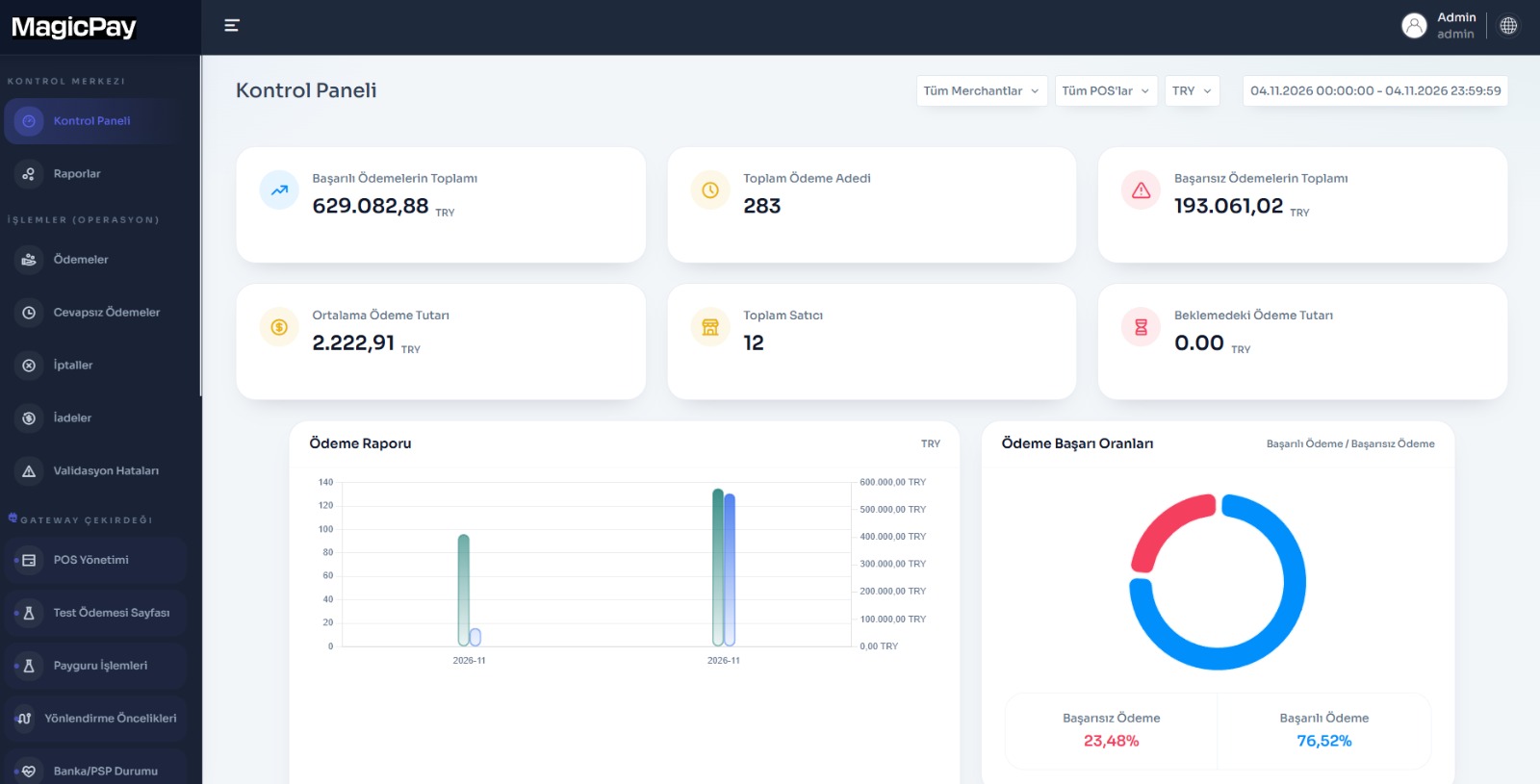
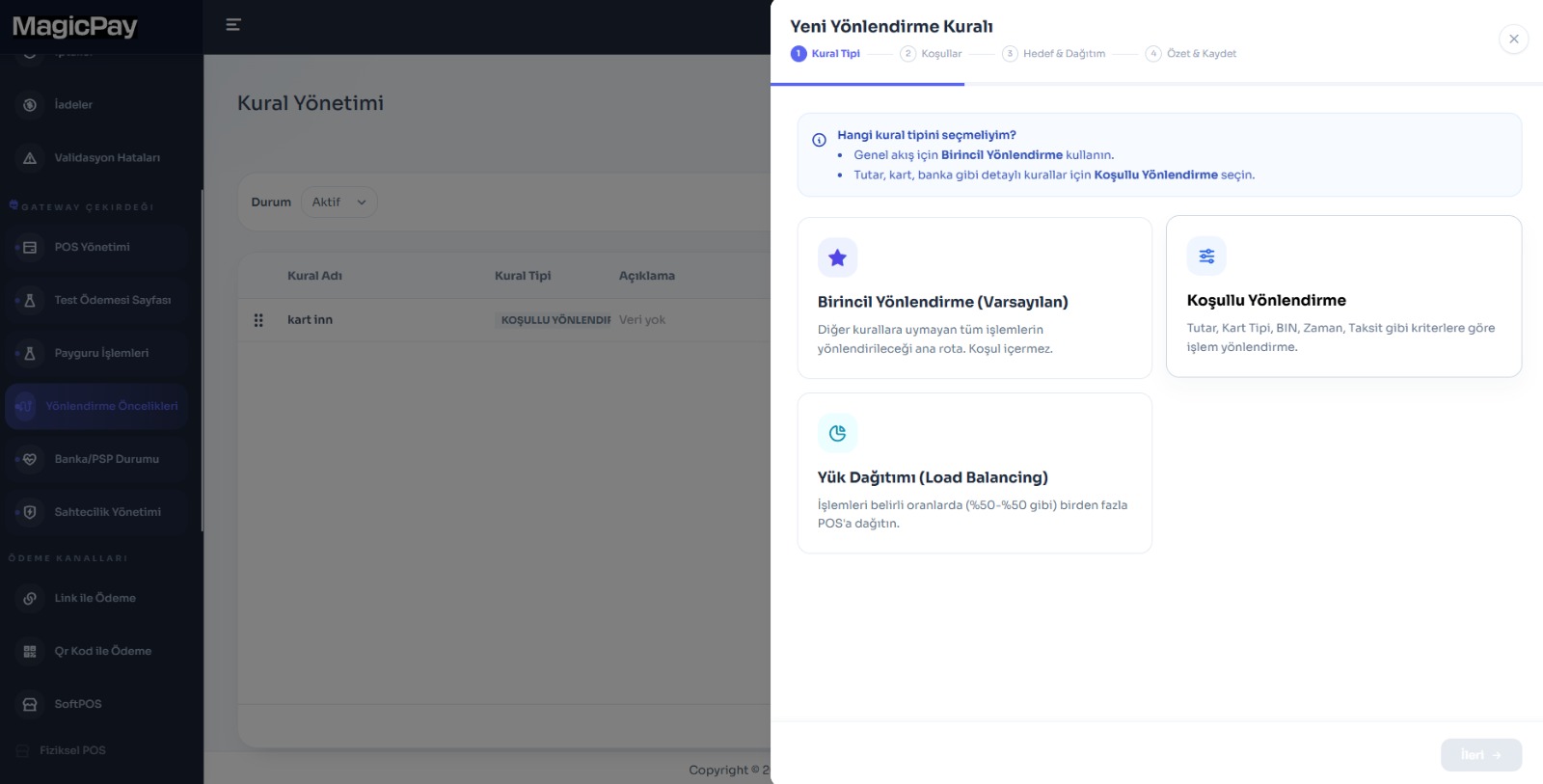
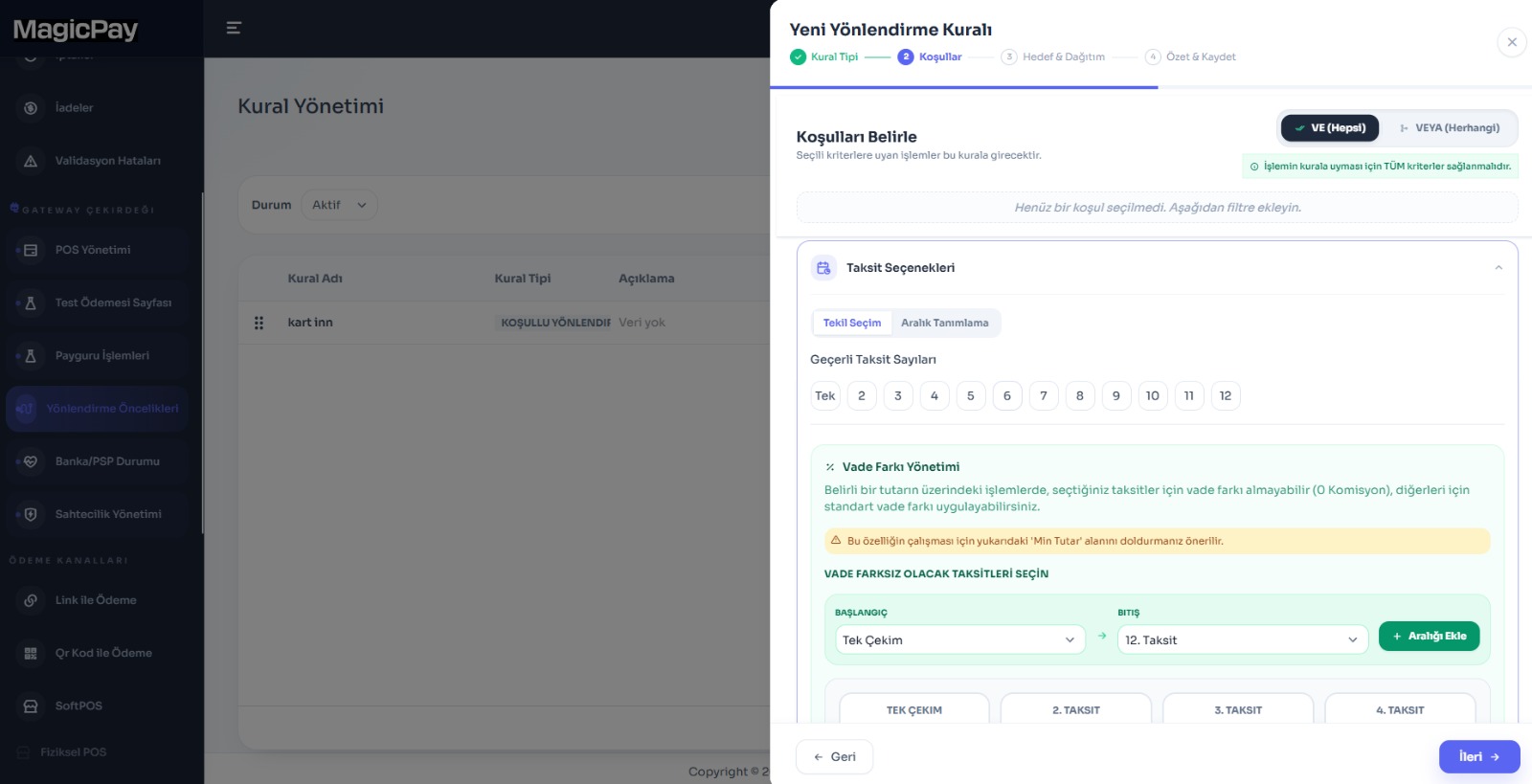
The supplied MagicGate dashboard shows a payment summary, transaction report and outcome distribution together. Routing screens show primary, conditional and load-distribution options; the condition screen includes installments and AND/OR criteria. Your team can evaluate where checkout or dealer payments were routed using its own transaction records. Use example screen values to understand the interface, not as a promise of results or savings for your business.
Enterprise payment infrastructure in three steps
Choose a priority sales workflow. Bring provider connectivity, the customer experience and the financial record into one acceptance scenario, then extend to other collection flows using channel-level and transaction-level outcomes.
- 1. Match provider accounts, checkout and dealer channels to your business references.
- 2. Configure routing, installment and limit rules; test payments and refunds.
- 3. Validate customer-account, ERP and reconciliation links; bring teams into the shared dashboard.
MagicPay provides technical infrastructure and operations software. Payment services and fund movements are carried out by the relevant authorized institution within its own contractual and service scope.